 Demo video:
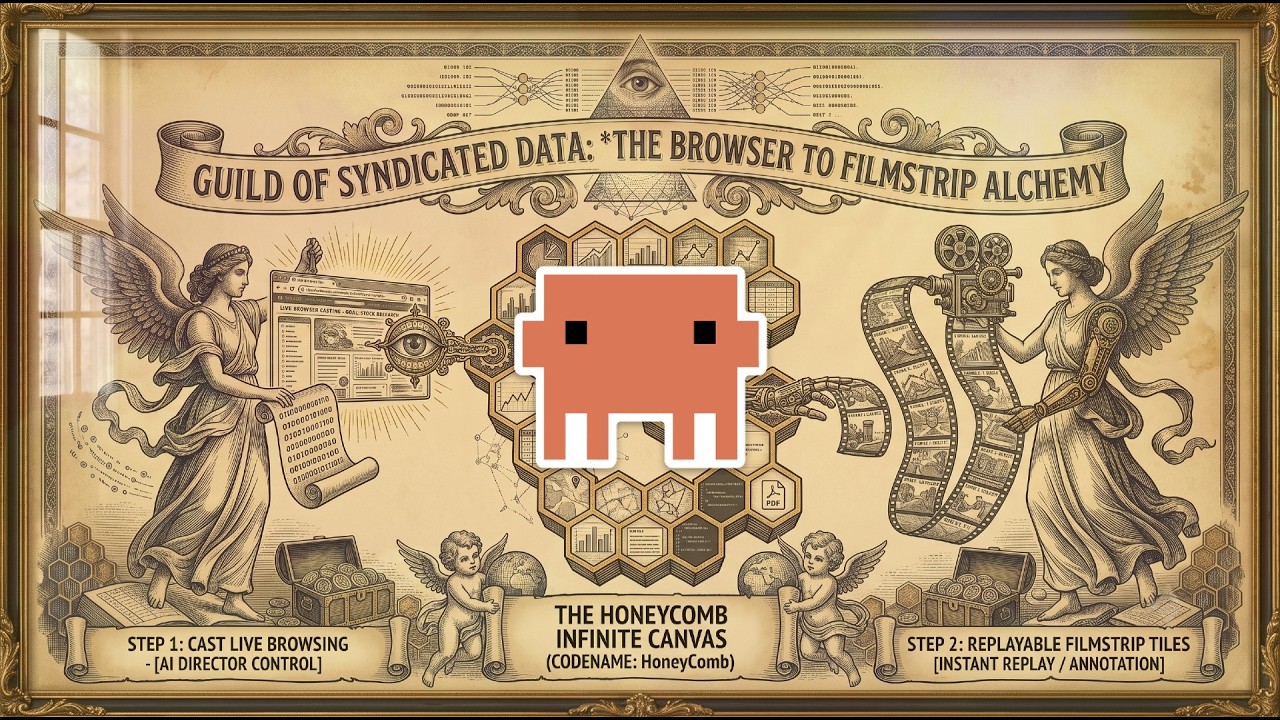
Hey all  — Stared a new Youtube Channel and I wanted to share something I’ve been building entirely in Dash: ai-agent.buzz , an AI-powered infinite-canvas whiteboard. You drop or type in natural language and components
(charts, grids, code, maps, notes, PDFs…) appear as draggable tiles on a 10,000×10,000 canvas.
 Try it live:
I had initially started on this project ~10months ago, but its mostly sat neglected until now.

Practically everything had to be rebuilt from 3.2 → 4.2 but with this great headache of a migration what i found at the end was much more bang and a more capable practical application.
This is a vision board / window bucket, designed to take anything given to it and create a window / dash component from anything you drop into it.
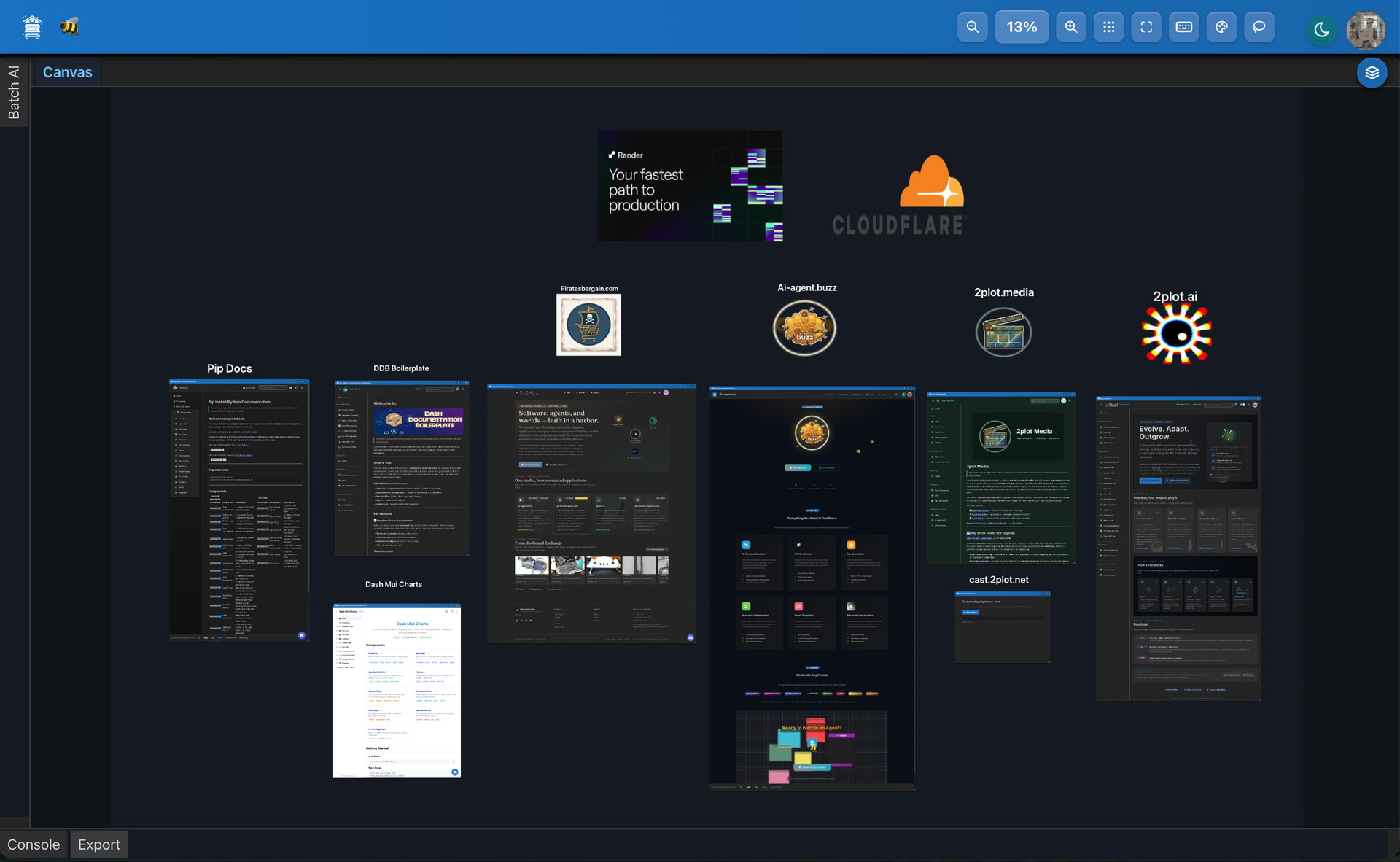
Image above is of my ~$200/month software architecture check it out: ai-agent.buzz | AI Whiteboard
This ai-agent.buzz application piggy packs off the work from the 4.2.0 documentation boilerplate i created: GitHub - pip-install-python/Dash-Documentation-Boilerplate: This project is designed to help developers quickly create well-organized documentation for their Dash components, data science workflows, and entire Dash applications. · GitHub
It uses a lot of the Component Index components alongside the beautiful and reliable dmc https://www.dash-mantine-components.com/
How does this work?
The only path to building scalable architecture is to compartmentalize and offload as much as possible. An interactive canvas component is a nightmare, base64 bloats everything, you need to quickly take in information and practically play a game of baseball with many sister applications, databases and cdn’s that need to cary what is the functionality of a smooth canvas.
To put this in prospective I’d like to highlight my most notable feature within this application - Playwright Chromium Automative browsers directly within the canvas
If you haven’t heard of:
This is what makes agentic workflows accessible. What i did was architect a chromium pool , than can spin up 8-15 concurrent chromium browsers at a given time, that can be used within a canvas or in other work flows that can handle the direct cast.2plot.net, a sub domain / separate hosted application extension thats hosted on render that is capable of spinning up individual instances of playwright browsers directly within any of my dash application.
This browser is a direct follow the leader as in any action you record, you create a blueprint as a re-playable chrome automation task. A single canvas can support up to ~250 windows so you can build out 249 blueprints of automative testing within a single canvas.

.Gif above is a demo of directing an automated test on some of the dmc docs
So in a practical sense, what I am sharing here is a new useful application that you can drop files into, organize project knowledge into and create interactive canvas and focused /llms.txt that you can share and build further upon. This is an initial release, you need an account to save your canvas and at the moment I’m just trying to get some feedback so i can stress test, find bugs and build out a network of ai canvas

As mentioned, if you found this interesting and would like to support my work:
Started fresh on a new Youtube Channel: https://www.youtube.com/@2plotai , so re-subscribe to me if you where following the pip-install-python youtube channel. That channel is being archived.
Follow me on github: pip-install-python (Pip Install Python) · GitHub
Discord: 2plot.ai
Personal Shop: