Hey Dash community! 
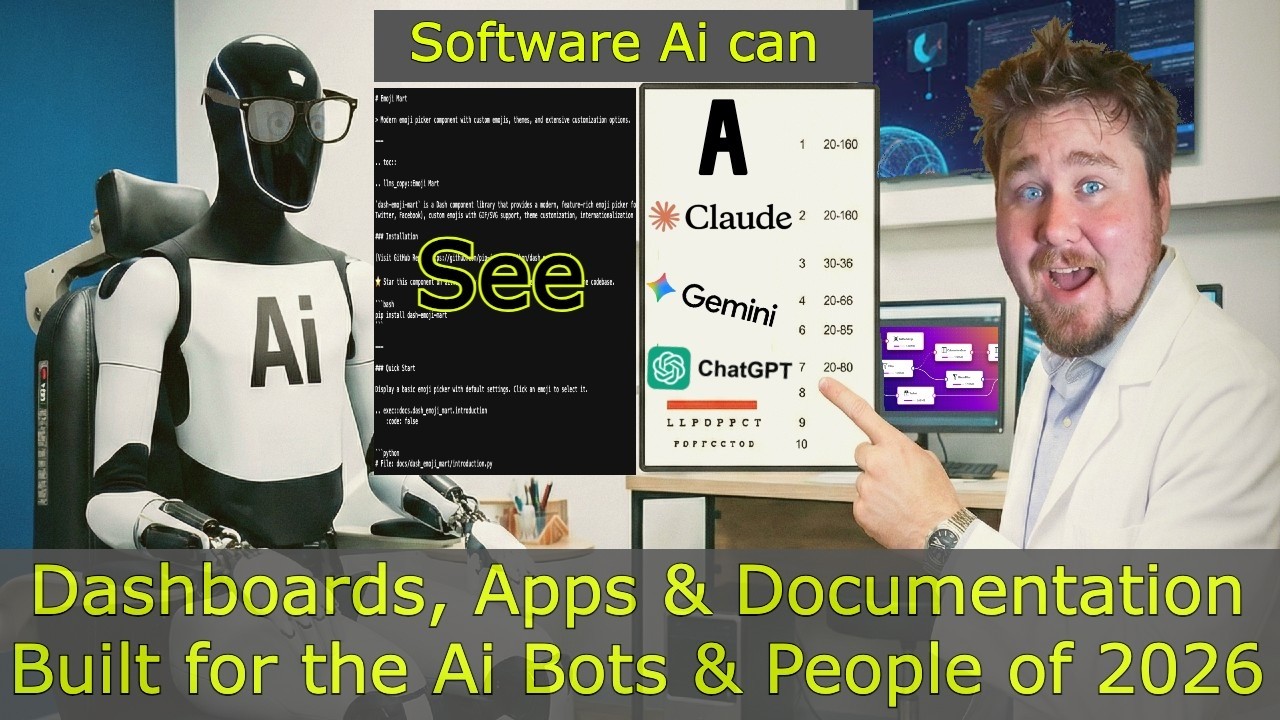
I just released a new video walking through several interconnected projects I’ve been working on to help make Dash applications more discoverable by AI systems and easier to document. I wanted to share the progress here and get your feedback!
 Watch the Video:
 dash-improve-my-llms (v1.1.0)
The Problem: When users share Dash app URLs with ChatGPT, Claude, or other AI assistants, the bots see nothing but “Loading…” because they can’t execute JavaScript. This makes it impossible for AI to help users understand or troubleshoot your app.
The Solution: dash-improve-my-llms automatically generates AI-friendly documentation and SEO resources for your Dash application with just two lines of code:
from dash_improve_my_llms import add_llms_routes
add_llms_routes(app)  # That's it! 🎉
What you get:
/llms.txt- Comprehensive markdown optimized for LLM understanding/llms.toon- Token-optimized format (50-60% fewer tokens!)/page.json- Technical architecture with interactivity and data flow/architecture.txt- ASCII art representation of your entire app/robots.txt- Intelligent bot control (blocks AI training, allows AI search)/sitemap.xml- SEO-optimized sitemap with smart priority inference- Static HTML for bots with Schema.org structured data
New in v1.1.0:
- Enhanced TOON format v3.1 with lossless semantic compression (40-50% token reduction)
- Application context with related pages
- Human-readable callback descriptions
- Synthesized page summaries
 Install:
 pip install dash-improve-my-llms
 dash-documentation-boilerplate (v0.6.0)

A modern, responsive documentation system for Dash applications built with Dash Mantine Components. This is the template I use for all my component documentation.
 Live Demo: https://dash-documentation-boilerplate.onrender.com/
Features:
- Markdown-driven documentation with Python integration
- Custom directives for interactive examples (
.. exec::,.. source::,.. kwargs::) - Dark/light theme with automatic preference persistence
- Built-in AI/LLM integration via
dash-improve-my-llms - Docker and production-ready with Gunicorn
- Built on Dash 3.2.0 + DMC 2.4.0
Perfect for documenting your own Dash components or creating project documentation sites.
 pip-docs (pip-install-python.com)
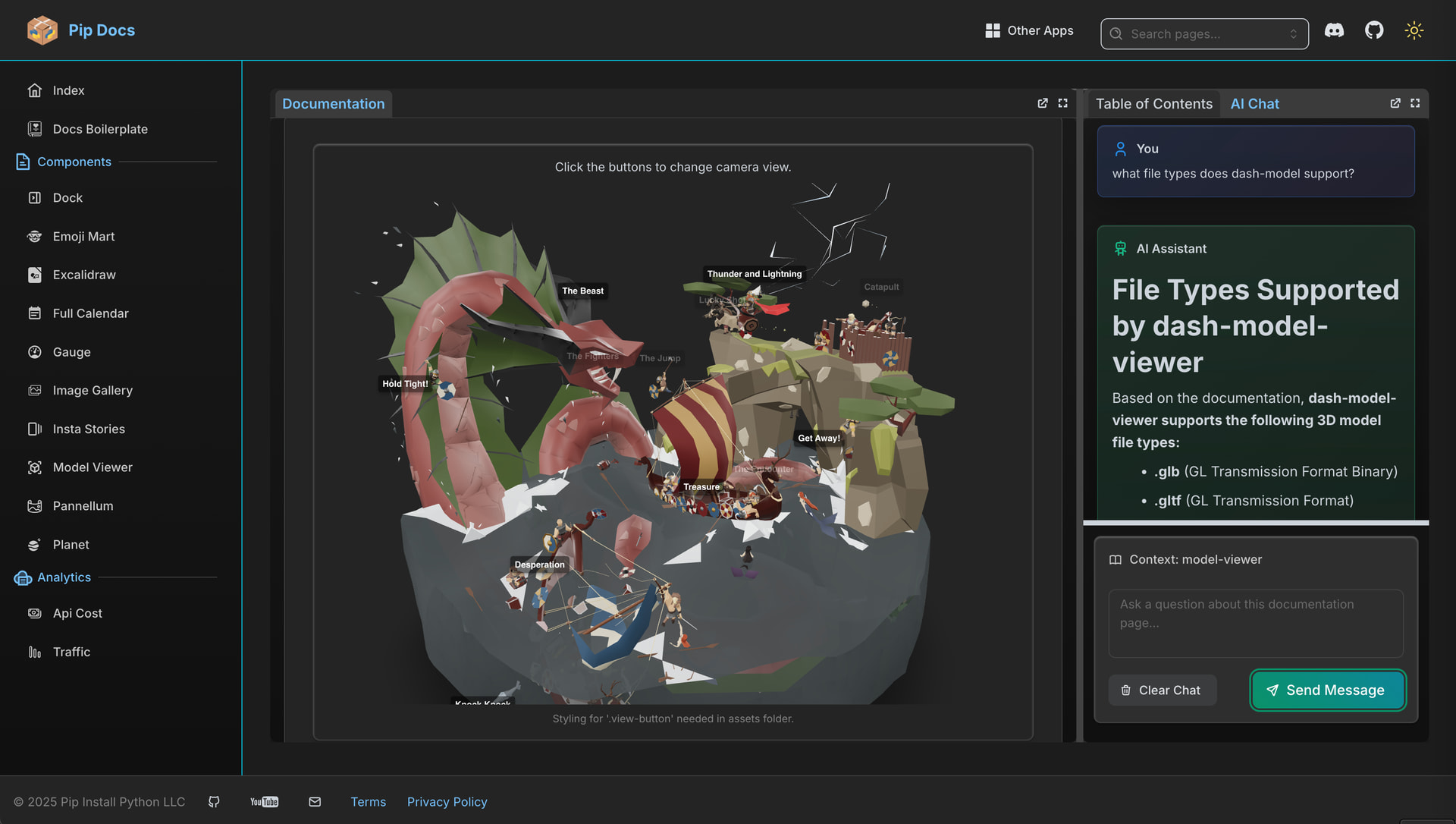
This is my personal documentation hub showcasing 18 custom Dash component libraries with comprehensive docs, live examples, and real-time download statistics from PyPI.
Live Site: https://pip-install-python.com/
Currently Maintained Components (11):
- dash-summernote (Rich text WYSIWYG Editor)
- dash-insta-stories (Instagram Stories Component)
- dash-image-gallery (Image Gallery)
- dash-fullcalendar (FullCalendar wrapper)
- dash-gauge (Gauge Component)
- dash-emoji-mart (Slack-like Emoji Picker)
- dash-dock (Dynamic dock windows/tabs)
- dash-pannellum (360 Panorama Viewer)
- dash-planet (Interactive orbital menu)
- dash-model-viewer (3D Model Viewer)
- dash-excalidraw (Freeform Drawing/Notebook)
The site automatically aggregates download statistics across all packages using the pypistats.org API.
 dash-flows (Pre-Release - Looking for Feedback!)
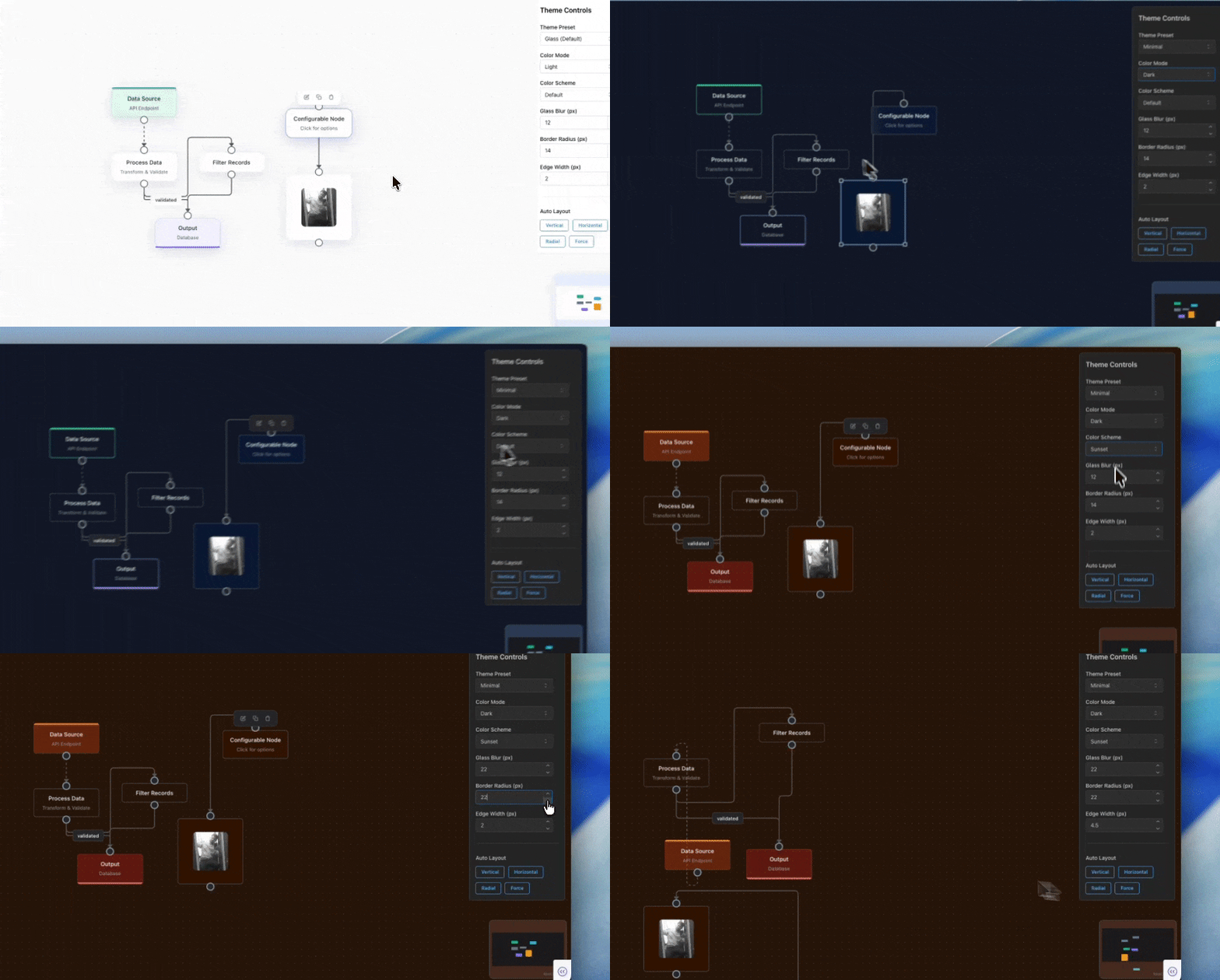
A powerful React Flow 12+ integration for Plotly Dash, providing interactive node-based flow diagrams. This is currently in pre-release (v1.1.0) and I’m looking for community input before the official 1.0.0 release!
Features:
- 6 Node Types: Input, Output, Default, Group, Toolbar, Resizable
- 7 Edge Types: Bezier, Smooth Step, Step, Straight, Animated SVG, Button, Data
- DashIconify Integration: Custom icons with dynamic updates
- Glass Morphism Theme: Beautiful modern UI with 6 color schemes
- Status Indicators: Visual loading, success, and error states
- ELK Layout Support: Automatic graph layouts
- Interactive Features: Drag-and-drop, copy/paste, context menus, and more
from dash_flows import DashFlows

DashFlows(
    id='flow',
    nodes=nodes,
    edges=edges,
    fitView=True,
    style={'width': '100%', 'height': '600px'}
)
What I’m looking for:
- Bug reports and edge cases
- Feature requests
- API feedback (is the node/edge structure intuitive?)
- Use case ideas
Install: pip install dash-flows
 Questions? Feedback?
I’d love to hear your thoughts on any of these projects! Drop a comment below or reach out through the links below.
 Links
Links
| Resource | Link |
|---|---|
 Video Video |
https://www.youtube.com/watch?v=AW2tSvle5g4 |
| Plotly Pro |
https://plotly.pro |
| AI Agent Buzz |
https://ai-agent.buzz |
 GitHub GitHub |
pip-install-python (Pip Install Python) · GitHub |
Build Something Amazing 

 Allows/Blocks: AI search bots (ChatGPT-User, ClaudeBot, PerplexityBot)
 Allows/Blocks: AI training bots (GPTBot, CCBot, anthropic-ai, Google-Extended)