What’s New at Pip Install Python: Discord Chat in Dash, Live Trading Charts & Dash Flows v1.2.0
Hey Plotly Community! 
Excited to share three significant updates across the Pip Install Python component ecosystem — each one documented with live, interactive examples at pip-install-python.com.
 dash-widgetbot — Discord Chat Embedded Directly in Your Dash App
Your community, inside your app — no redirects, no iframes you manage yourself.
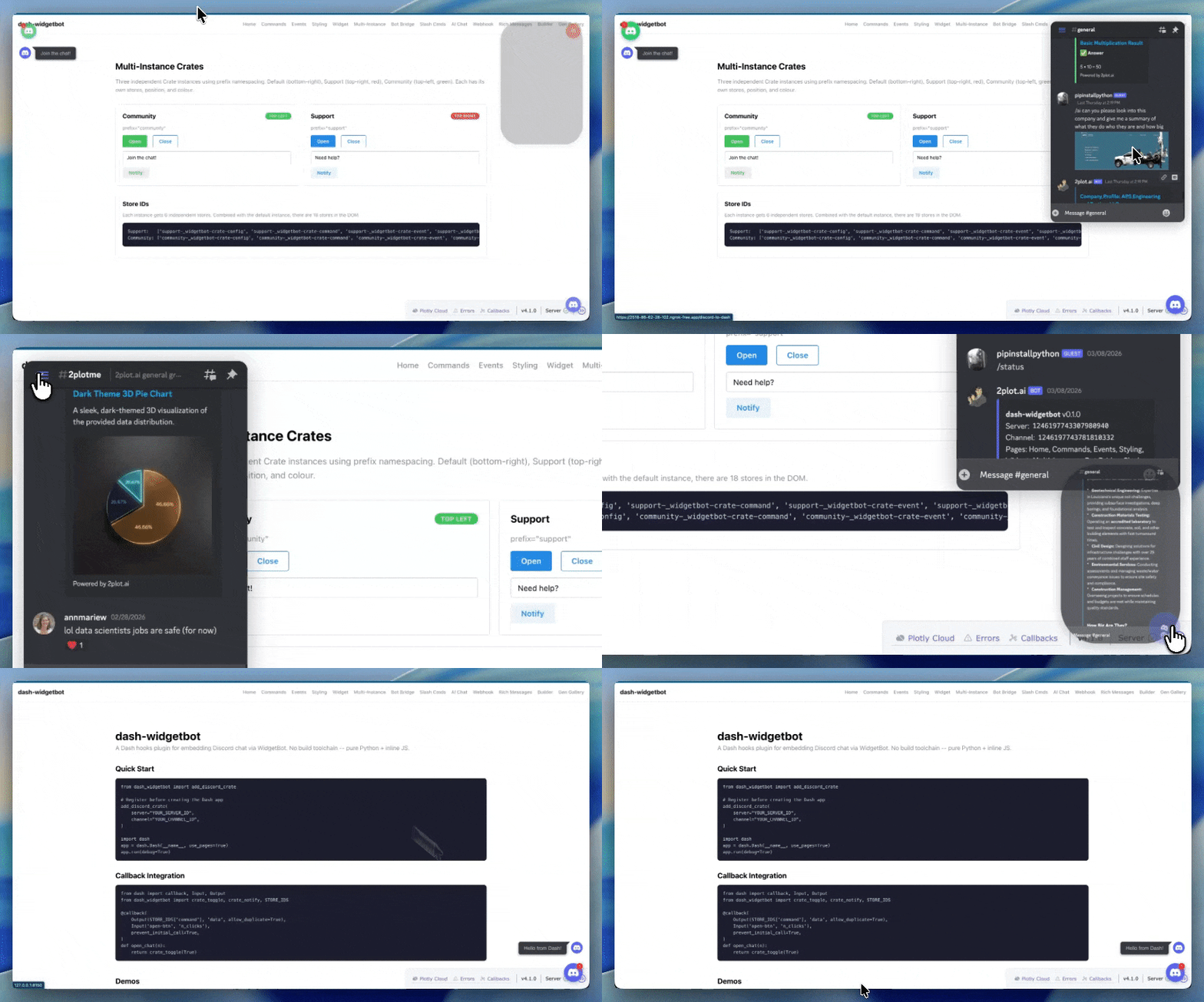
dash-widgetbot wraps WidgetBot to embed a fully functional Discord channel inside any Dash application. It goes far beyond a basic embed — the library ships a complete bot bridge that lets you handle Discord slash commands from Python callbacks, stream AI responses back to Discord, and sync user events to your Dash layout in real time.
 Key Features
- Global Crate widget — floating Discord button on every page, one line of setup
- Slash command handlers —
/ask,/ai,/gen,/status,/navigateall dispatched as Python callbacks - Crate text bridge — intercept free-text messages and route them to your own logic
- AI bot integration — stream LLM responses back into Discord from a
/api/bot-bridge-promptendpoint - Event props —
signedIn,message,sentMessage,unreadCountall available as Dash Output props - Full Dash callback support — every interaction is a standard
@callback
 Installation
pip install dash-widgetbot
 Quick Setup — Global Crate on Every Page
Critical:
add_discord_crate()andadd_discord_interactions()must be called beforeDash().
from dash_widgetbot import add_discord_crate, add_discord_interactions

# Must come BEFORE Dash()
add_discord_crate(
    server="1246197743307980940",
    channel="1449848984981213385",
)
add_discord_interactions()

app = dash.Dash(__name__, use_pages=True)
 Handling Slash Commands from Python
from dash_widgetbot import add_crate_slash_command

@add_crate_slash_command("ask")
def handle_ask(user, args):
    # args is the text the user typed after /ask
    return f"You asked: {args}"
 Documentation & Examples
 dash-mui-charts v1.1.0 — LiveTradingChart, Built-in Date Formatting & Smarter Alerts
Professional MUI X Charts for Dash — now with real-time candlestick streaming.
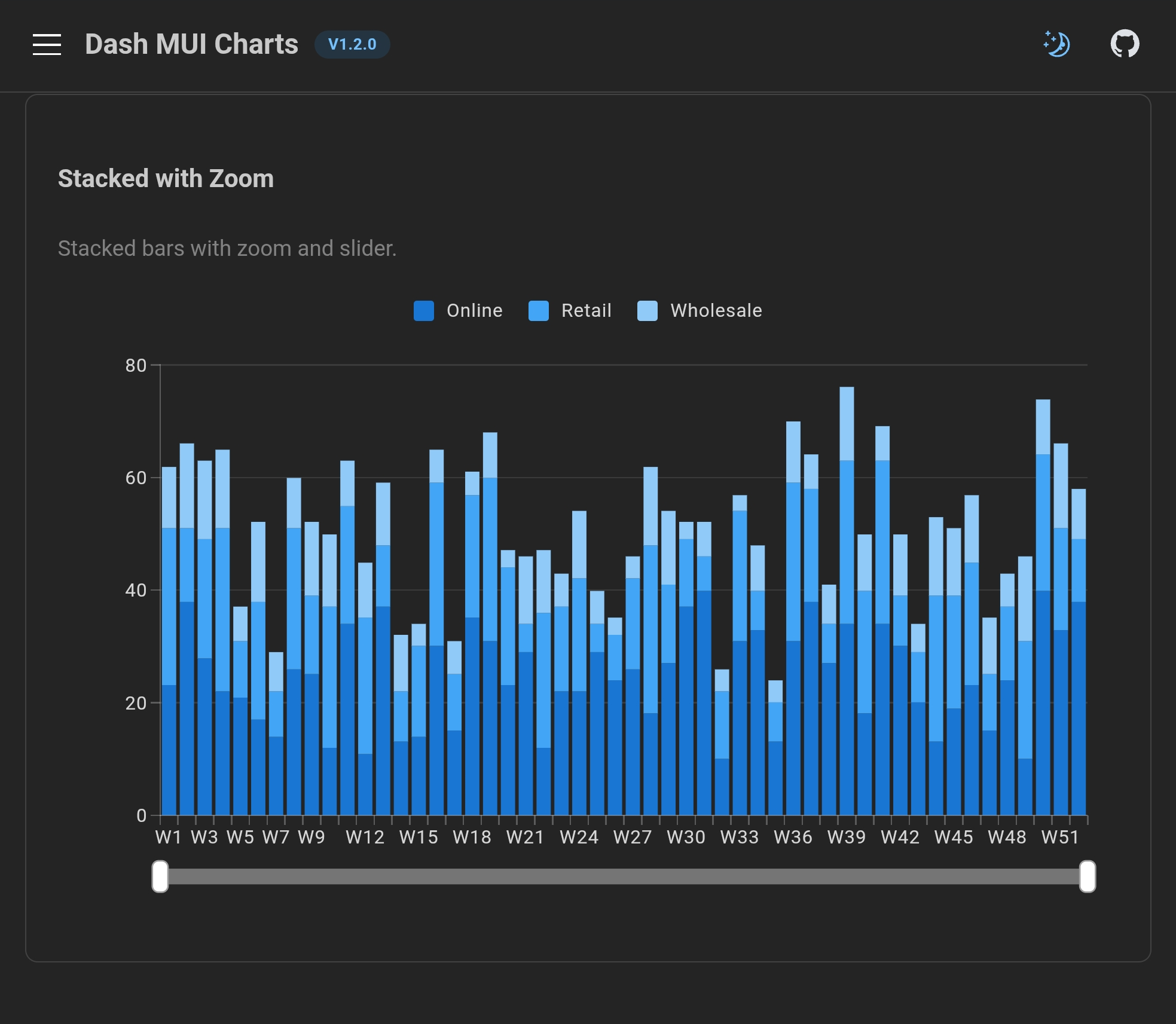
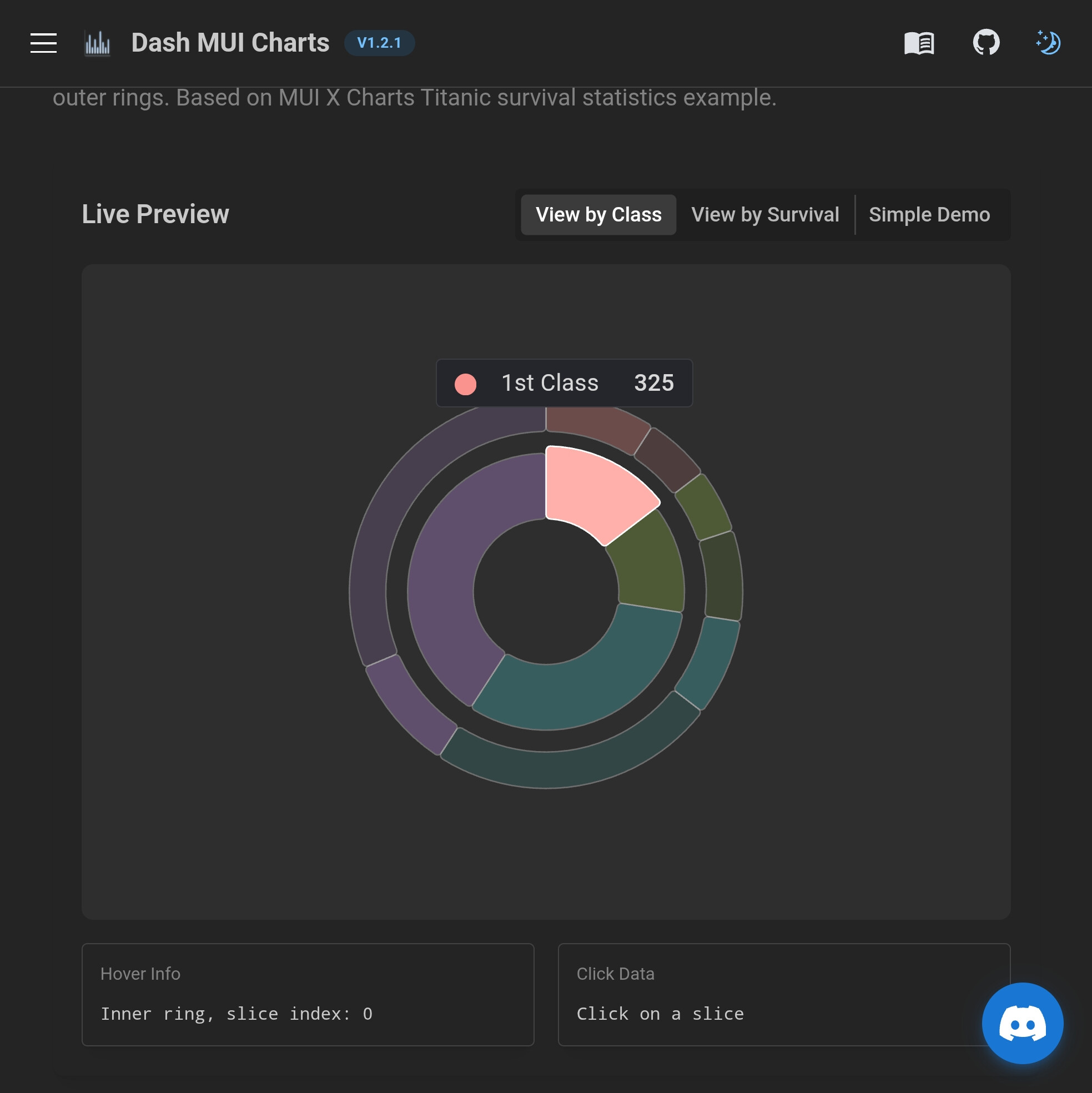
dash-mui-charts wraps MUI X Charts for Python developers. Version 1.1.0 ships three major additions: a brand-new LiveTradingChart component, built-in date formatting props for time-scale axes, and swing-point alert detection that eliminates label clutter.
What’s New in v1.1.0
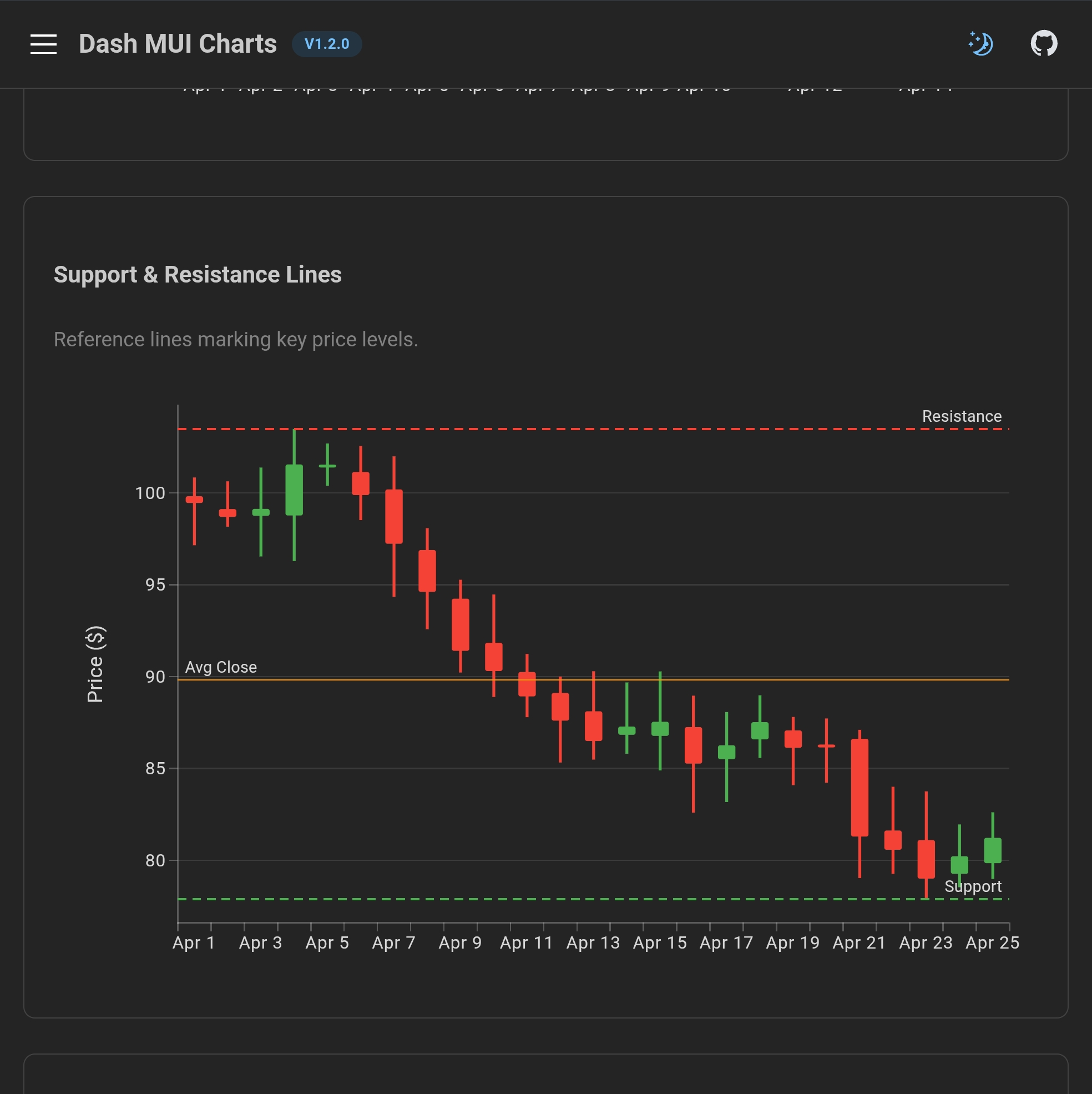
 LiveTradingChart — Real-Time OHLCV Streaming
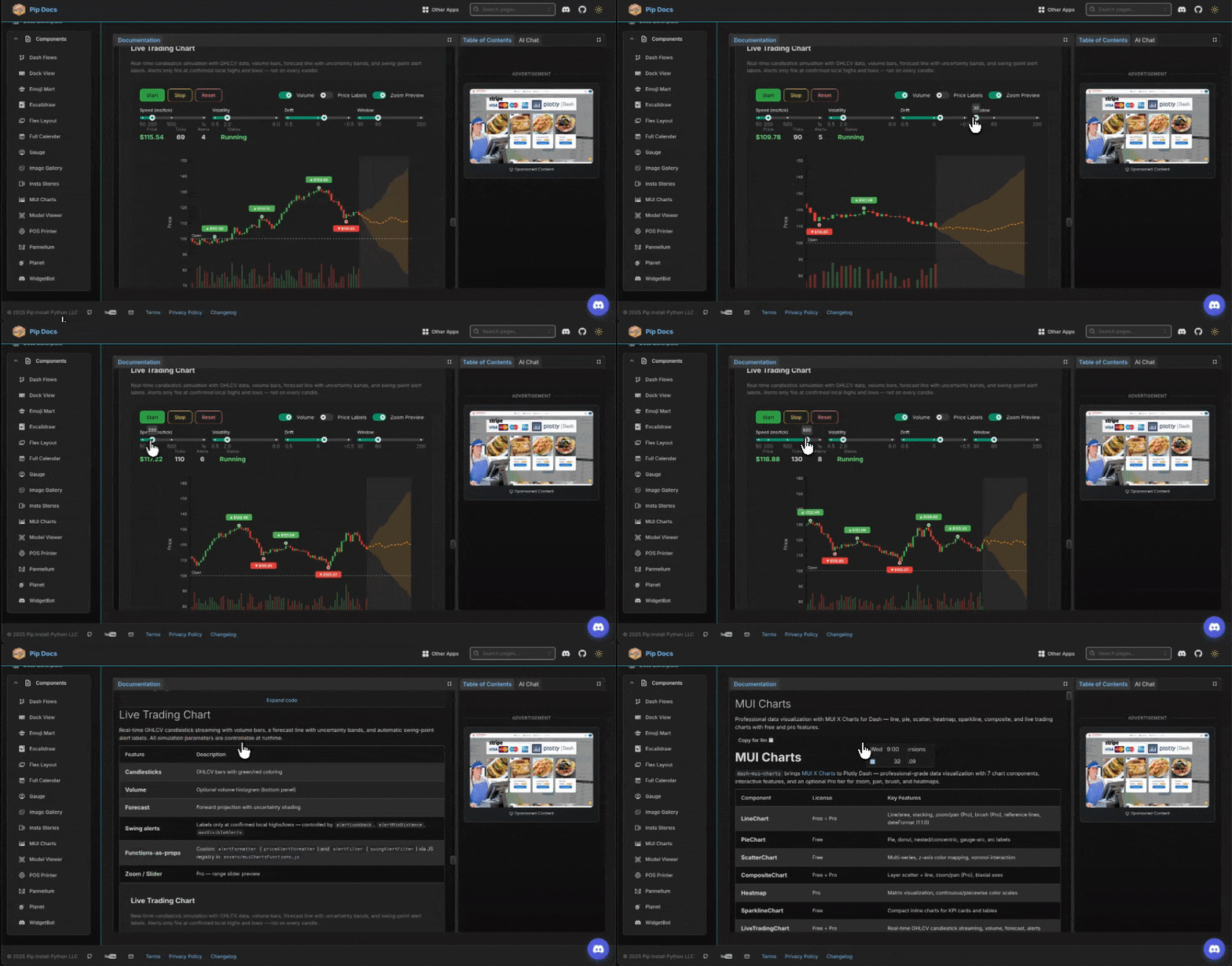
A self-contained candlestick chart that simulates (or can be wired to real) live market data:
- OHLCV candlestick bars with volume histogram
- Forward forecast line with uncertainty shading
- Swing-point alert labels — only fires at confirmed local highs and lows, not on random candles
- All simulation parameters controllable at runtime via callbacks (
volatility,drift,windowSize,intervalMs) - Functions-as-props for custom label formatting and custom alert detection logic
from dash_mui_charts import LiveTradingChart

LiveTradingChart(
    id="my-chart",
    running=True,
    intervalMs=200,          # tick speed
    windowSize=80,           # visible candles
    volatility=0.02,
    drift=0.001,
    # Swing-point detection — labels only at confirmed extremes
    alertLookback=5,         # neighbors on each side to confirm
    alertMinDistance=10,     # min ticks between labels
    maxVisibleAlerts=6,      # cap visible labels in the window
    alertFormatter={
        "function": "priceAlertFormatter",
        "options": {"decimals": 2},
    },
    showVolume=True,
    showSlider=True,         # zoom slider (Pro)
    height=500,
)
 Built-in Date Formatting — No JavaScript Required
Previously, formatting time-scale axis labels required writing a JavaScript valueFormatter. v1.1.0 adds dateFormat (tooltip) and dateTickFormat (axis ticks) as plain Python strings:
LineChart(
    xAxis=[{
        "data":           epoch_ms_timestamps,
        "scaleType":      "time",
        "dateFormat":     "MMM d, YYYY",   # tooltip: "Apr 8, 2026"
        "dateTickFormat": "M/d",            # tick:    "4/8"
        "tickMinStep":    86400 * 1000 * 7, # weekly ticks
        "tickLabelStyle": {"angle": 35, "fontSize": 11, "textAnchor": "start"},
        "height":         70,
    }],
    margin={"left": 65, "right": 20, "top": 20, "bottom": 90},
)
Supported tokens: YYYY, MMM, MM, M, dd, d, HH, mm
 Functions-as-Props Pattern
The same pattern Dash Mantine Components uses for JS-bridged functions is now available across all chart components. Register a function once in assets/muiChartsFunctions.js, reference it from Python:
# Python
alertFilter={"function": "swingAlertFilter", "options": {"lookback": 7}}
// assets/muiChartsFunctions.js
window.dashMuiChartsFunctions.swingAlertFilter = function(candles, idx, ctx, opts) {
    // full candle buffer available — return 'up', 'down', or null
};
Installation
pip install dash-mui-charts==1.1.0
Documentation & Examples
- Live Trading Chart
- Tick Configuration & Date Formatting
- Line Charts
- Pro Features (Zoom, Brush, Slider)
 dash-flows v1.2.0 — Collapsible Groups, Smart Handles, Undo/Redo & More
The most feature-packed dash-flows release yet.
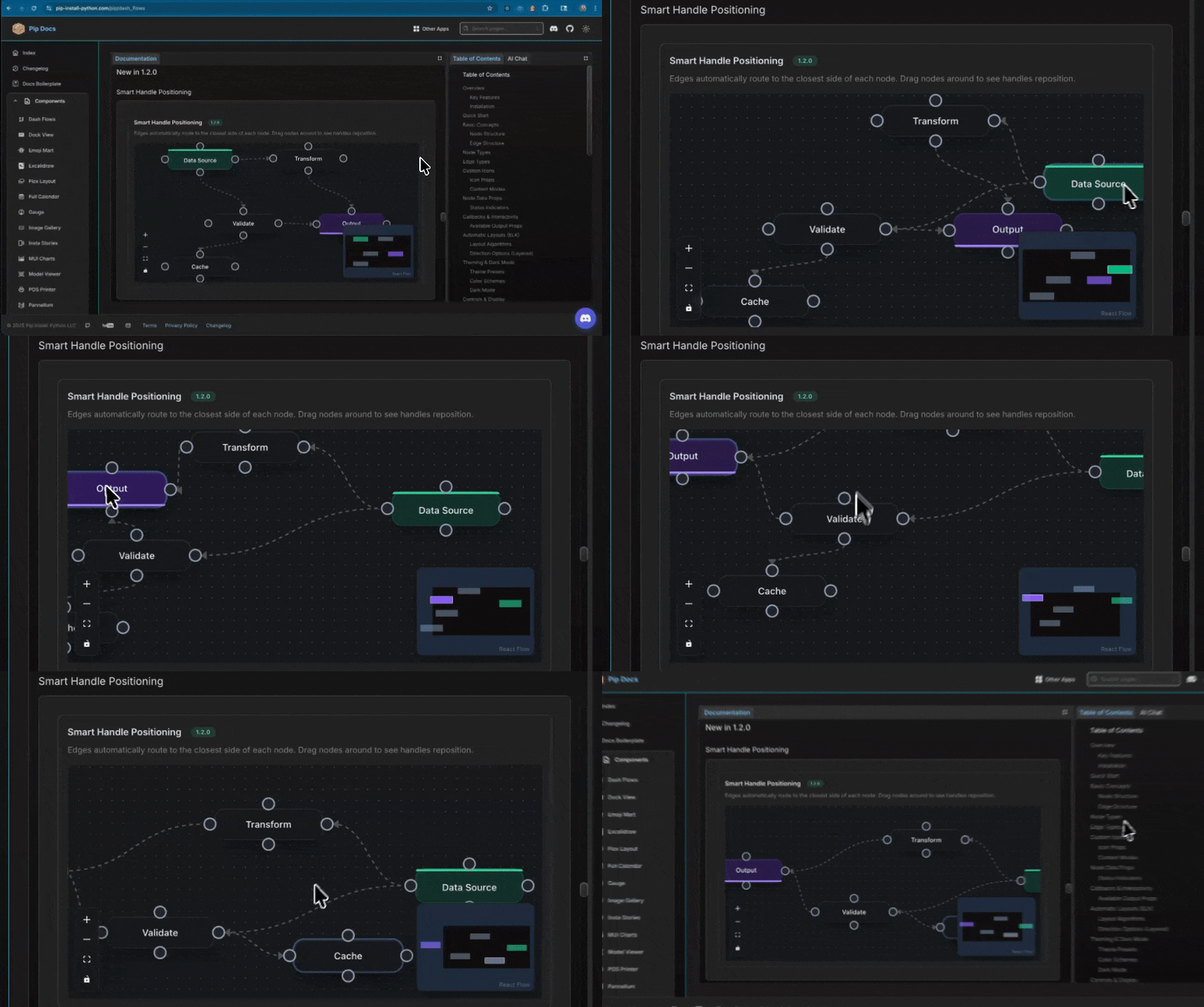
Dash Flows (React Flow for Dash) v1.2.0 ships eleven new capabilities. All are now documented with live, interactive examples.
New in v1.2.0
| Feature | Prop | Description |
|---|---|---|
| Collapsible Groups | toggleCollapseNode, collapsedGroups |
Double-click a group node to collapse/expand child nodes |
| Smart Handles | smartHandles=True |
Edges auto-route to the closest side of each node |
| Floating Edges | Edge type: "floating" |
Edges attach to node perimeters, not fixed handles |
| Helper Lines | helperLines=True |
Alignment guides appear while dragging |
| Undo / Redo | enableUndoRedo=True, undoRedoAction |
Full history tracking with undo/redo callbacks |
| Add Node on Drop | addNodeOnEdgeDrop=True |
Drag an edge to empty canvas to create a new node |
| Animated Layouts | animateLayout=True |
Smooth transitions between ELK layout changes |
| Computing Flows | computeAction, computeResult |
Topological sort and data propagation through nodes |
| Resize Constraints | Per-node resizeOptions |
Aspect ratio lock, min/max dimensions on resizable nodes |
| Accessibility | ariaLabelConfig, nodesFocusable |
Screen reader labels and full keyboard navigation |
| Viewport Portal | viewportOverlays |
Floating annotations anchored to flow coordinates |
 Highlight: Collapsible Group Nodes
Group nodes can now collapse to a compact size, hiding child nodes while keeping external edges connected at the group boundary:
import dash_flows
from dash import callback, Input, Output, no_update

nodes = [
    {
        "id": "pipeline",
        "type": "group",
        "data": {"label": "ETL Pipeline", "collapsedWidth": 200, "collapsedHeight": 52},
        "position": {"x": 250, "y": 50},
        "style": {"width": 350, "height": 250},
    },
    # Child nodes with parentId set
    {"id": "extract",   "parentId": "pipeline", "extent": "parent", ...},
    {"id": "transform", "parentId": "pipeline", "extent": "parent", ...},
]

# Double-click a group → collapse/expand
@callback(
    Output("my-flow", "toggleCollapseNode"),
    Input("my-flow", "doubleClickedNode"),
    prevent_initial_call=True,
)
def toggle_group(node):
    if node and node.get("type") == "group":
        return node["id"]
    return no_update
Highlight: Undo / Redo
from dash import callback, Input, Output

dash_flows.DashFlows(
    id="my-flow",
    enableUndoRedo=True,
    undoRedoMaxHistory=50,
    # undoRedoState output: {canUndo, canRedo, undoCount, redoCount}
)

@callback(
    Output("my-flow", "undoRedoAction"),
    Input("undo-btn", "n_clicks"),
    Input("redo-btn", "n_clicks"),
    prevent_initial_call=True,
)
def handle_undo_redo(_, __):
    from dash import ctx
    return {"action": "undo" if ctx.triggered_id == "undo-btn" else "redo"}
Installation
pip install dash-flows
Documentation & Examples
 Full Documentation
Everything shown above has live, interactive examples at pip-install-python.com — copy the code, see it run, explore the props.
All components are:
 Production-ready — stable, versioned, on PyPI
Fully documented — API reference + working examples
Theme-aware — light/dark mode via Dash Mantine Components
Callback-enabled — standard Dash @callback patterns throughout
Open source — MIT license, GitHub issues welcome
Useful Links
| Resource | Link |
|---|---|
| Documentation Site | https://pip-install-python.com |
| dash-widgetbot docs | Pip Install Python - Open Source Dash Packages & Documentation |
| dash-mui-charts docs | Pip Install Python - Open Source Dash Packages & Documentation |
| dash-flows docs | Pip Install Python - Open Source Dash Packages & Documentation |
| GitHub | pip-install-python (Pip Install Python) · GitHub |
| YouTube | https://youtube.com/@PipInstallPython |
Questions & Feedback
Join the discord channel - 2plot.ai
Building something with any of these? Would love to see what you create.
 Found a bug? Open an issue on GitHub
 Have a feature idea? Start a discussion
 If these save you time, a star on the repo goes a long way
 Questions? Drop them right here in the thread
Happy building!
Made with  by Pip Install Python LLC