Hello everyone,
I would like to use Dash as the backend and visualization layer for a React Native mobile application. My goal is to render interactive Plotly charts inside the app while keeping the UI native for Android and iOS.
I’ve already experimented with serving Dash through a web view and exposing API endpoints, but I’m not sure if this is the best or most scalable approach.
Has anyone here successfully integrated Dash with a React Native project?
What architecture would you recommend for this kind of setup?
For reference, I am working on a small image-processing tool that generates visual analytics for uploaded images (https://imagetoolo.com), which I’d like to connect to a Dash-powered dashboard.
Any advice or real-world examples would be greatly appreciated.
Thank you in advance! 
You dont need react native imo, use dash, thats all you need.
Launch it as a web application, to get it off the ground fast and scale from that and if you configure it correctly anyone who visits the app on mobile will be prompted to install the application.
You have a good mind-set to focus on mobile, 80% of the traffic an application recieves will be mobile.
But you can do all that with dash, alonside a good component library like dmc.
If you absolutely NEED to have your application available from the android app store, their are ways of doing that with a dash application. Usually working through a 3rd party that specializes in compactint web apps into app store apps. But its indeed possible.
For me i kept it pretty simple, opting for practically a dash docker architecture with a simple docker postres, redis and celery. I take it one page at a time and focus on both unique renders for desktop and mobile.
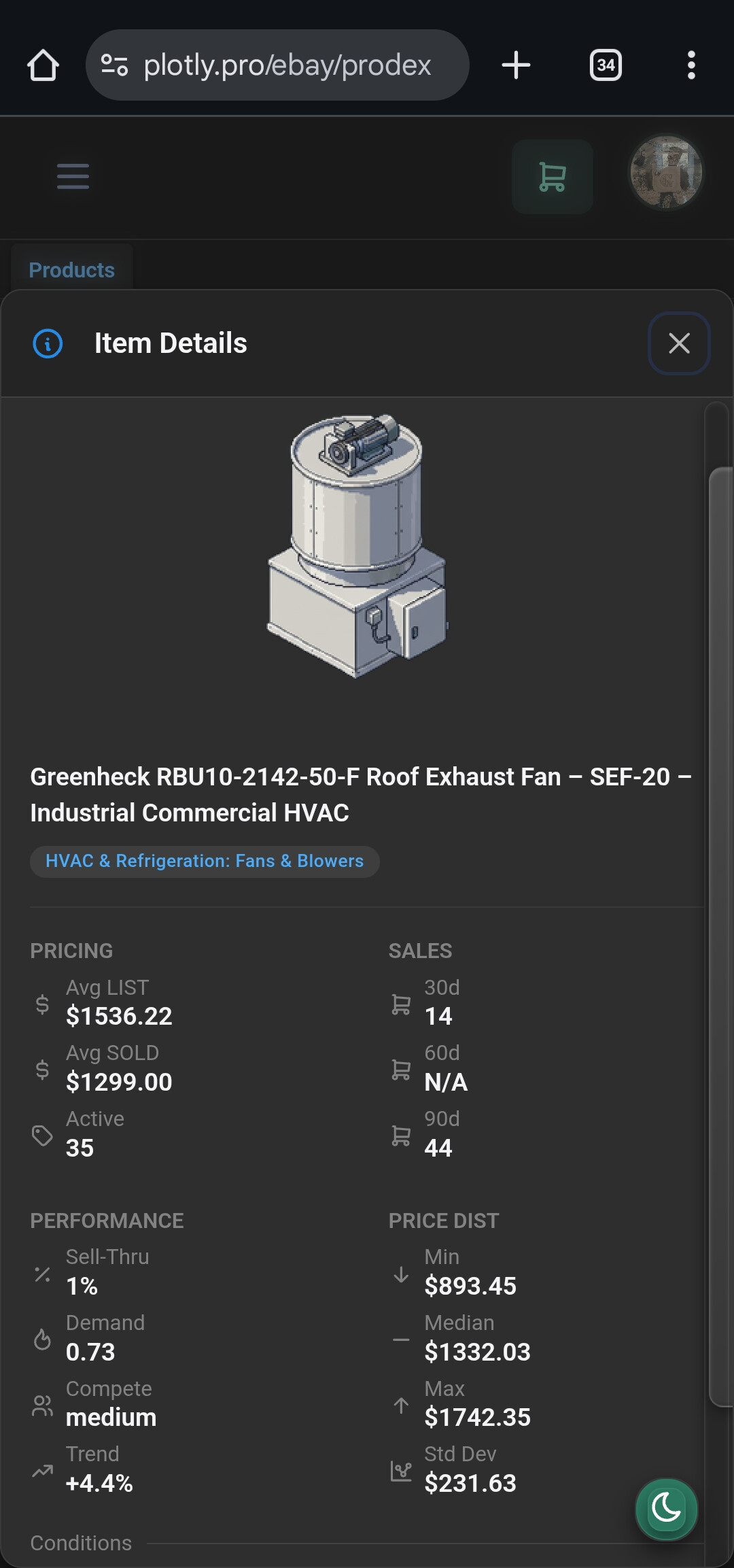
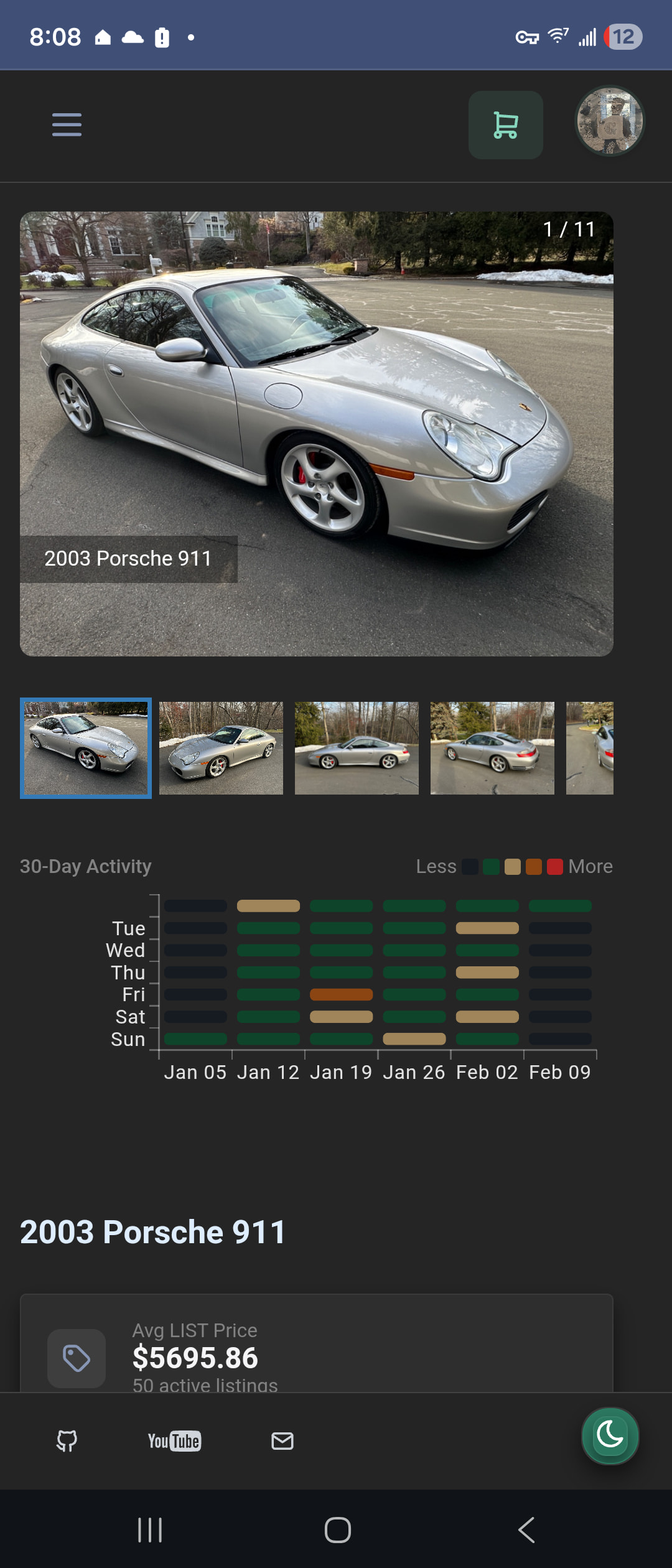
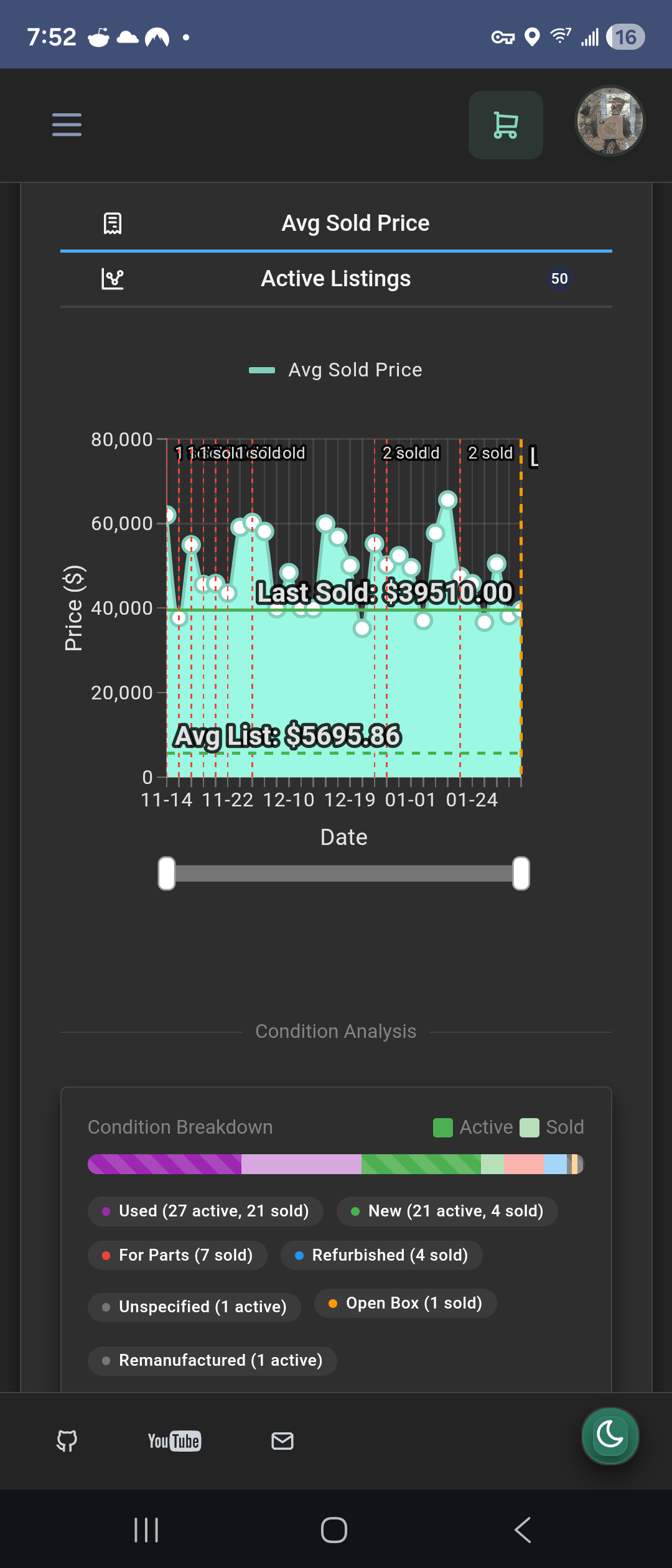
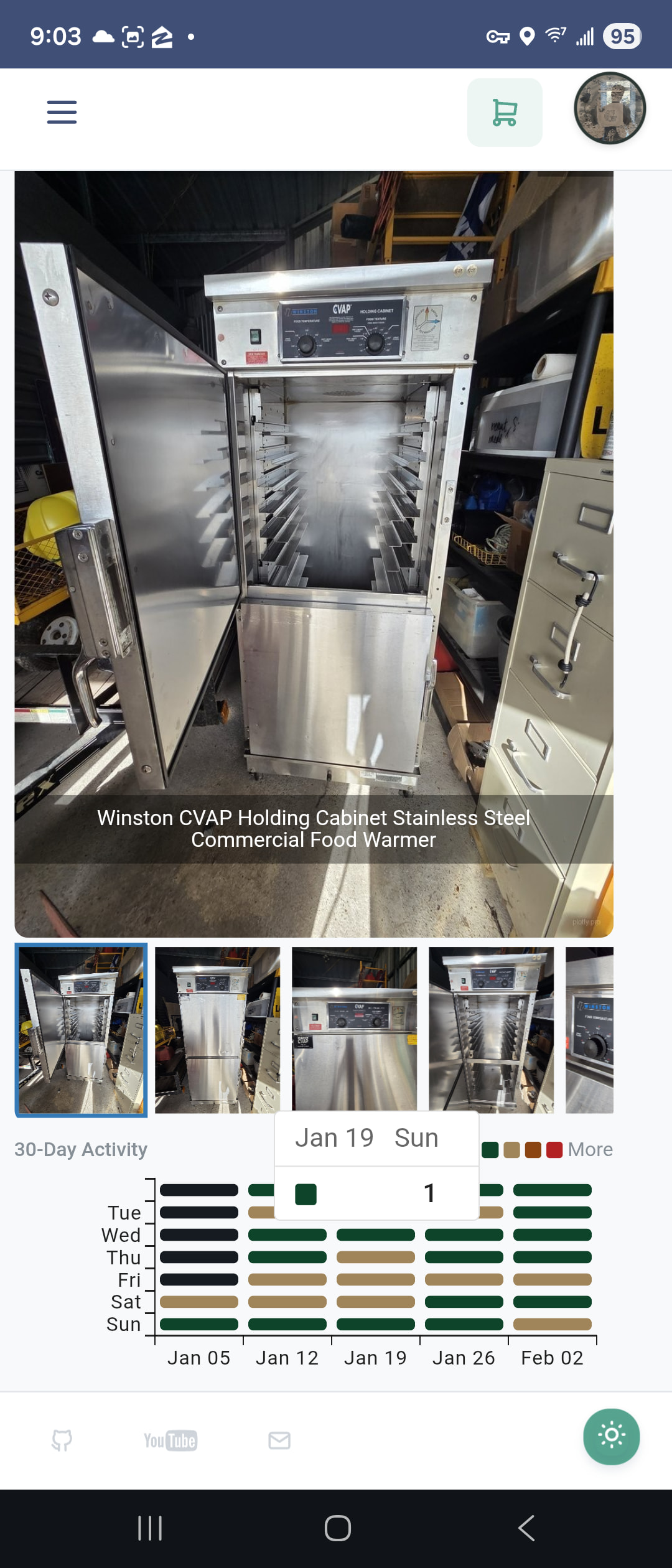
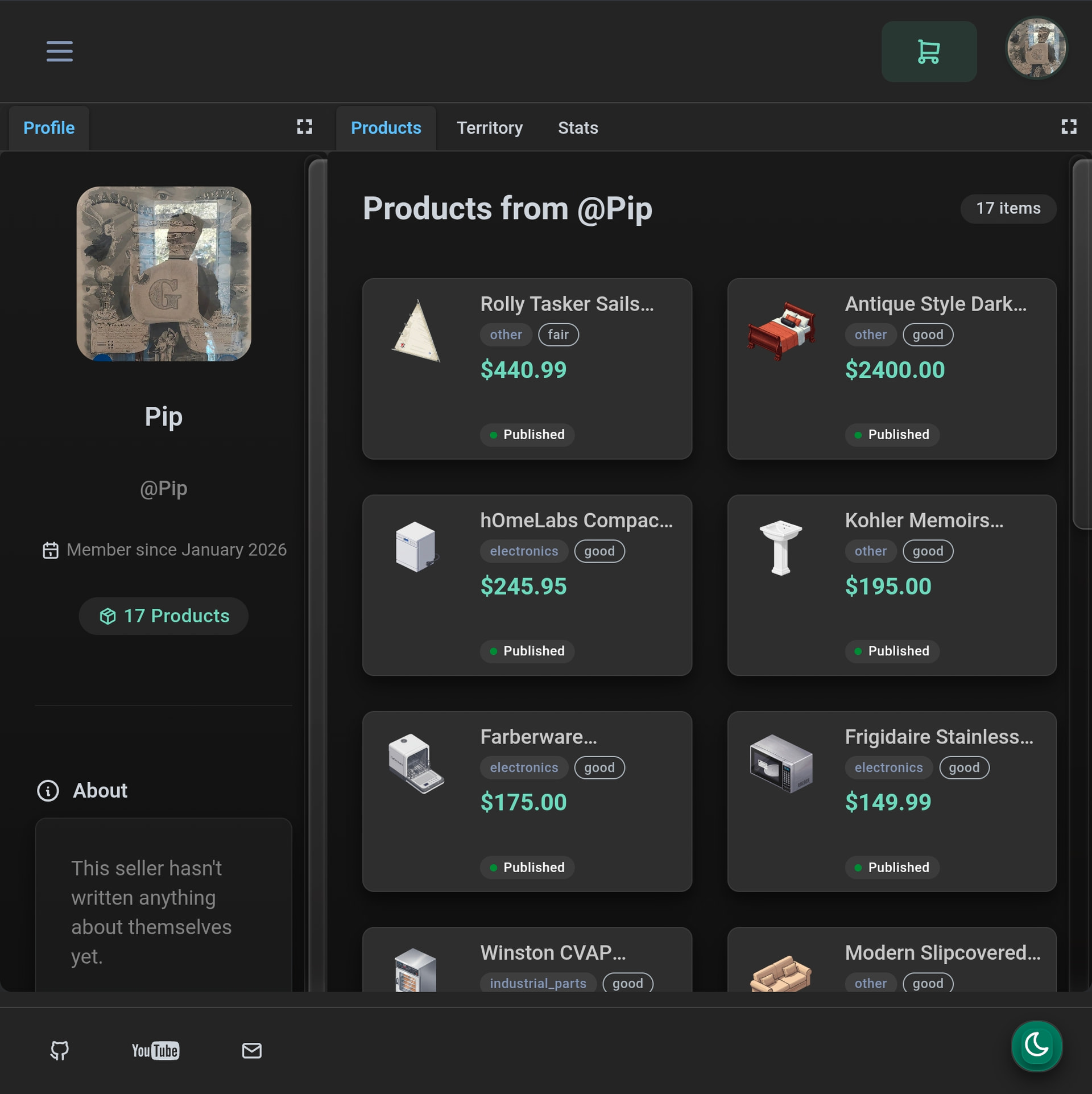
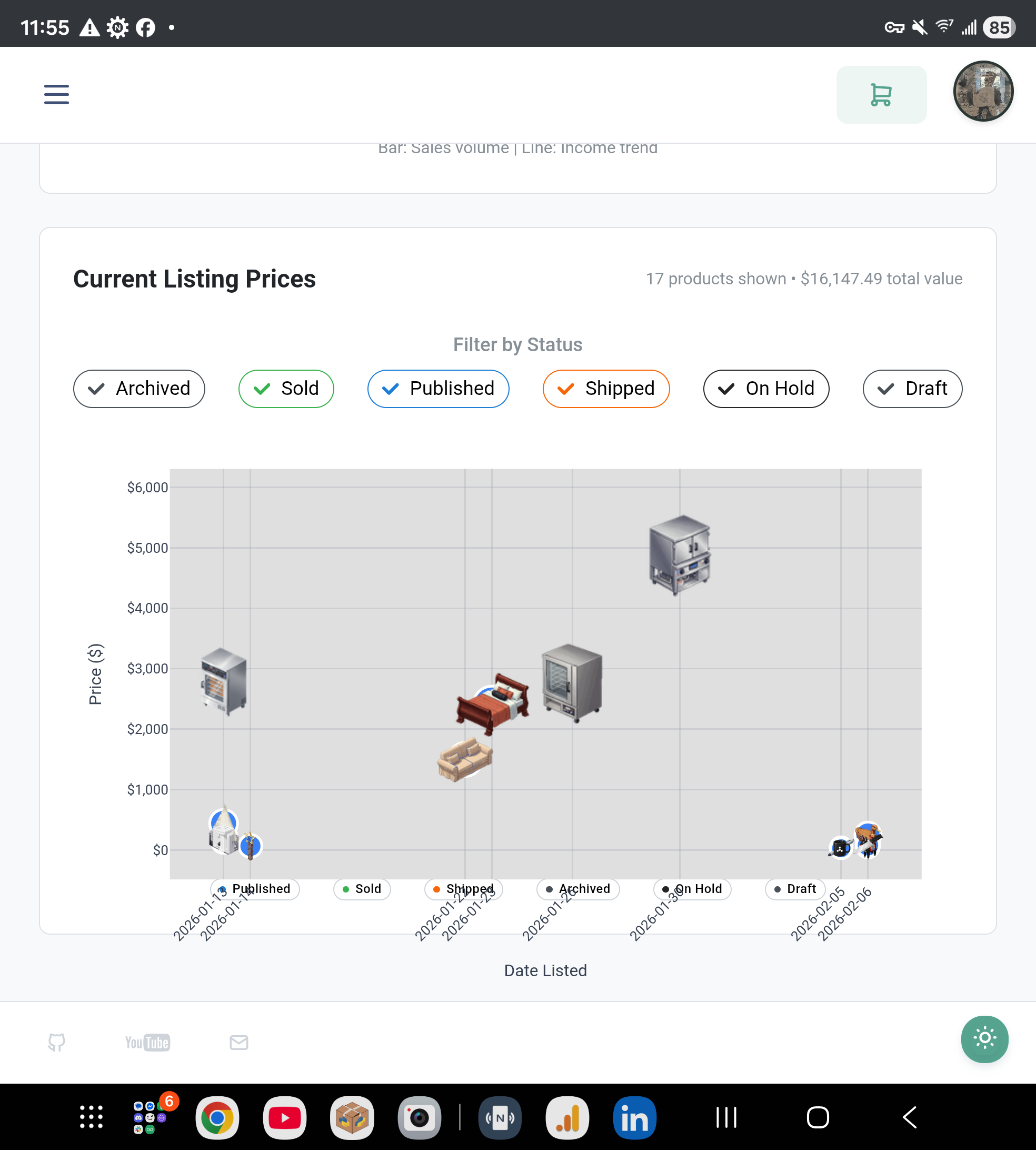
Here are some images to give some indicstion on how well you can make a dash application work with mobile. I have a fold 7 so its also pretty when you can make the resolution fit every type of screen size.
You can check out my dash application on your phone directly via https://plotly.pro to get an idea of some of the ui ux design i chose and how i made it fit mobile.