 Try the new Dash MCP server with
 pip install dash==4.3.0rc0
I’ve recorded one video showing the usefulness of Dash MCP and another video showing how to incorporate Dash MCP as a connector in Claude.
The Dash MCP server exposes your app’s callbacks to the LLMs as tools, allowing your AI agent to inspect layouts, read component states, and iterate, all through natural language.
On June 23 we will host a webinar that walks you through a live demo of Dash MCP, build a complete Dash app from the ground up with Claude, and discuss additional use cases.

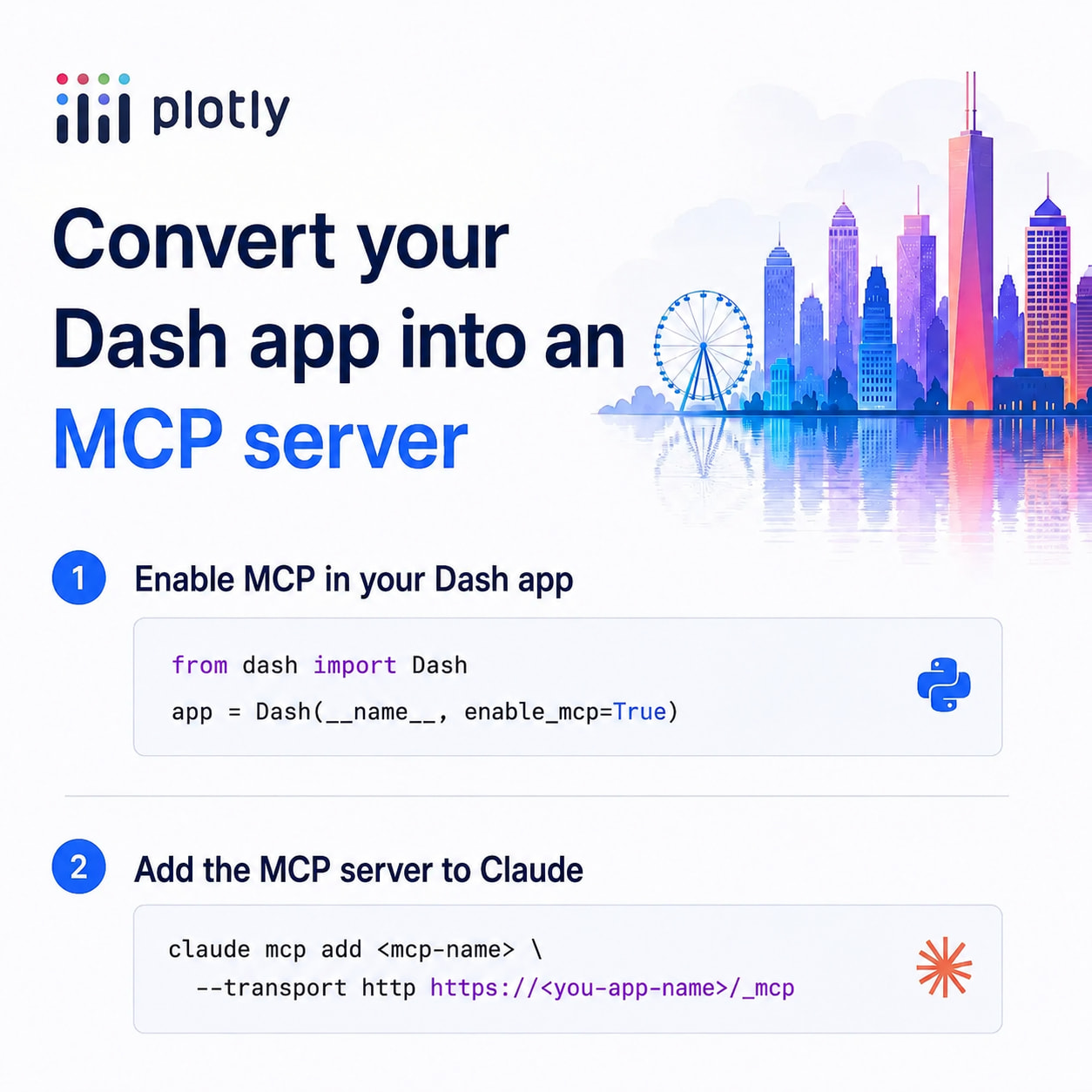
Quick Start with the Dash 4.3.0 release candidate and Dash MCP
app = Dash(__name__, enable_mcp=True)
Then add your app’s URL as an MCP server in your AI agent.
Dash() constructor parameters
| Parameter | Type | Default | Description |
|---|---|---|---|
enable_mcp |
bool |
False |
Turns the whole MCP system on/off |
mcp_path |
str |
/_mcp |
Route the MCP server is served from |
mcp_expose_docstrings |
bool |
False |
Expose all callback docstrings to agents |
Also settable via env vars: DASH_MCP_ENABLED, DASH_MCP_PATH, DASH_MCP_EXPOSE_DOCSTRINGS (constructor wins over env).
Callbacks as tools (default behavior)
All callbacks are exposed as MCP tools automatically. The server describes each callback’s Inputs/Outputs/State and how they tie to layout (component types, allowed values, defaults, labels). Per-callback controls are also an option, instead of enabling globally:
@callback parameter |
Type | Default | Description |
|---|---|---|---|
mcp_enabled |
bool |
True |
Set False to hide a callback from agents |
mcp_expose_docstring |
bool |
False |
Include this callback’s docstring as agent context |
- Type annotations (e.g.
value: List[int]) narrow the type agents send, avoiding trial-and-error. - Special return values: a Plotly figure is rendered to PNG via Kaleido (if installed); a DataFrame is rendered as a Markdown table — for agents that support images/tables.
Custom tools — @mcp_enabled decorator
Expose any plain Python function (not just callbacks) as a tool:
from dash.mcp import mcp_enabled

@mcp_enabled
def get_sales(region: str) -> dict: ...

@mcp_enabled(name="get_sales", expose_docstring=True)
def get_sales_by_region(region: str) -> dict:
    """Return sales for a region (north, south, east, west)."""
    ...
| Argument | Type | Default | Description |
|---|---|---|---|
name |
str |
function name | Tool name shown to agents/users |
expose_docstring |
bool |
False |
Include the docstring in the tool description |
Authentication
Dash implements the MCP server but not auth. When you deploy your app to Plotly Cloud, auth is configured automatically, and only users with access to your app can access the MCP server. Get started with Plotly Cloud for free.
Security notes
- Source code and private variables are not exposed — only an AI-friendly view of layout and callbacks.
- Callback function names are exposed (agents show them when requesting permission), so avoid leaking internals in names.
- MCP makes “security by obscurity” inputs trivially discoverable (though this risk already exists via browser/
curl).
