Hi all 
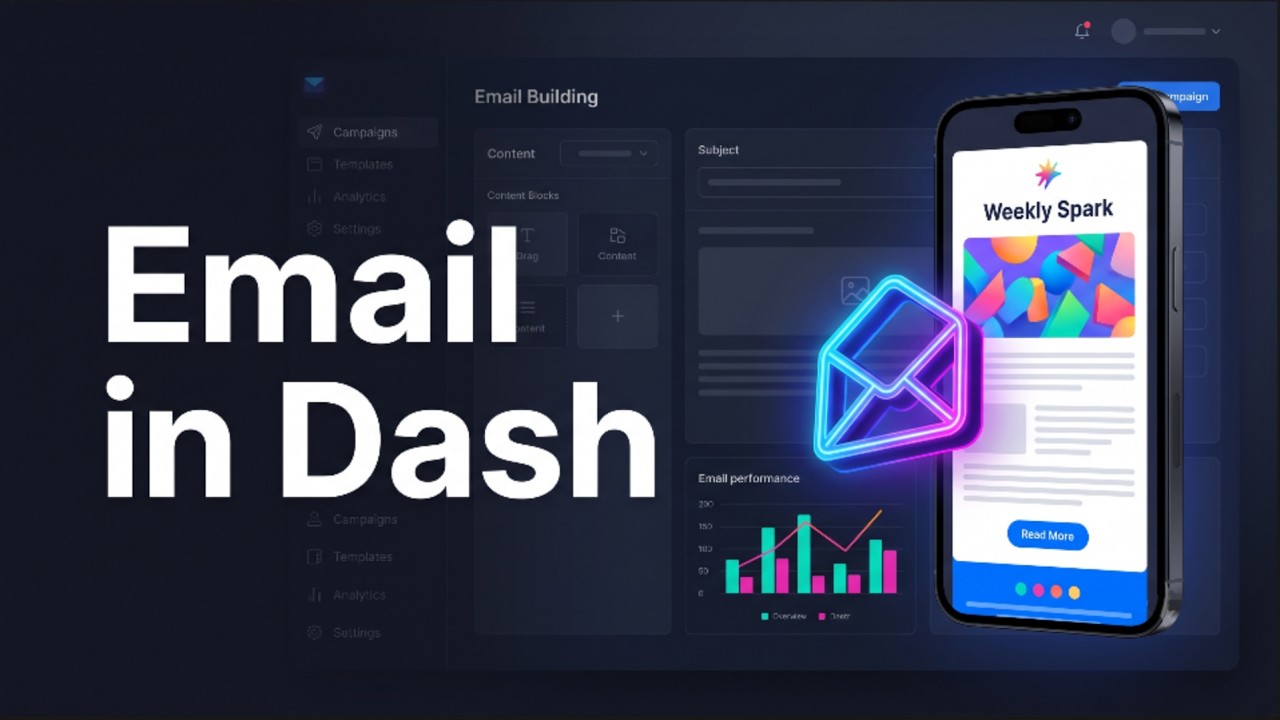
I just released dash-email, a component library for building HTML email templates using plain Dash syntax. It wraps the component patterns from React Email so you can design an email the same way you build a layout — nested components with inline styles — then preview it live and send it, all inside a Dash app.
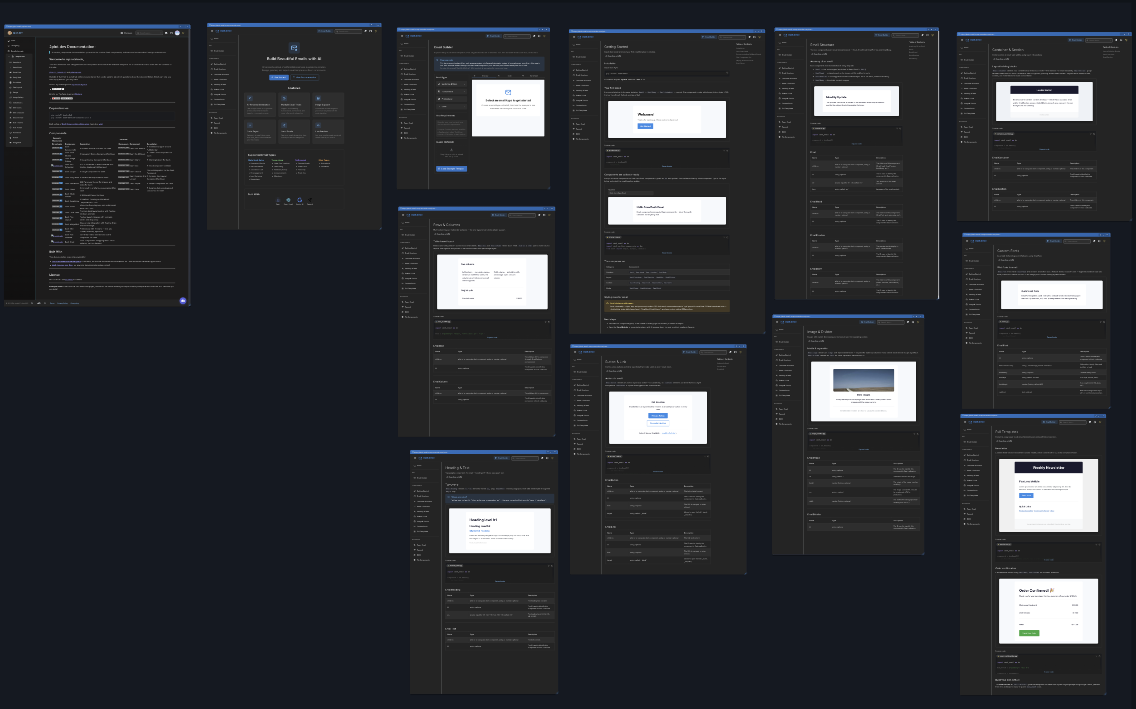
Check out the canvas preview of the pages - ai-agent.buzz | AI Whiteboard
Why I built it: HTML email is genuinely miserable. Clients strip <style> tags, half of them still lay things out with <table>, and what looks right in Gmail breaks in Outlook. dash-email handles that for you: rows and columns render as real tables, every style is inlined, and the output is tested against Gmail, Outlook, and Apple Mail. You write Dash; it emits email-safe HTML.
The part I think this community will care about
Every component is a first-class Dash component — it takes an id and works with callbacks like anything else. So you can drive an email’s content from the same inputs, stores, and callbacks you already use. Live-editing a template from a form, personalizing a send from a dropdown, previewing before it goes out — it’s all just normal Dash.
Quick example
import dash
import dash_email as de

app = dash.Dash(__name__)

app.layout = de.Email(
    lang="en",
    children=[
        de.EmailBody(
            style={"backgroundColor": "#f6f9fc", "padding": "40px 0"},
            children=[
                de.EmailContainer([
                    de.EmailSection(
                        style={"backgroundColor": "#ffffff", "borderRadius": "8px", "padding": "40px"},
                        children=[
                            de.EmailHeading("Welcome!", as_="h1"),
                            de.EmailText("Thanks for signing up. We're excited to have you!"),
                            de.EmailButton(
                                "Get Started",
                                href="https://example.com",
                                style={
                                    "backgroundColor": "#228be6",
                                    "color": "#ffffff",
                                    "padding": "12px 24px",
                                    "borderRadius": "4px",
                                    "fontWeight": "bold",
                                },
                            ),
                        ],
                    )
                ])
            ],
        )
    ],
)

if __name__ == "__main__":
    app.run(debug=True)
15 email-safe components
| Category | Components |
|---|---|
| Structure | Email, EmailHead, EmailPreview, EmailBody |
| Layout | EmailContainer, EmailSection, EmailRow, EmailColumn |
| Content | EmailHeading, EmailText, EmailButton, EmailLink |
| Media | EmailImage, EmailDivider, EmailFont |
EmailRow/EmailColumn render as <table>/<td>, EmailButton is a bulletproof styled anchor, and EmailPreview sets the inbox preview text that shows next to the subject line.
There’s also an AI builder — and a no-key showcase mode
The bundled docs app ships an /email-builder page that generates a full template from a plain-English prompt (via Google Gemini) and hands you ready-to-paste Python. If you run it without an API key, it drops into a showcase mode that serves a set of curated example templates instead — so you can explore the builder end-to-end with nothing to configure.
Sending
Sending is wired up through Resend — single sends, batches up to 100 recipients, and scheduled delivery — but the components are just producing standard HTML, so you can hand that HTML to any provider you like.
Try it
 Live demo: (hosted on Render’s free tier, so the first load may take ~30s to wake up)
 PyPI:
PyPI: pip install dash-email— Client Challenge Source: GitHub - pip-install-python/dash-email: Email components for Plotly Dash, wrapping React Email patterns. · GitHub
The docs site is open source too — clone the repo, pip install -r requirements.txt, python run.py, and you get every component page with isolated live examples plus the builder. Each docs page also serves an LLM-friendly plain-text version at /<page>/llms.txt.
Status
It’s an early release (0.0.x). The component API is stable and safe to build on; the AI builder and sending utilities are still evolving. Requires Python
3.9+ and Dash 4.2+.
I’d love feedback — especially on the component API and on any email-client rendering quirks you hit. If it’s useful to you, a  on GitHub helps others find it.