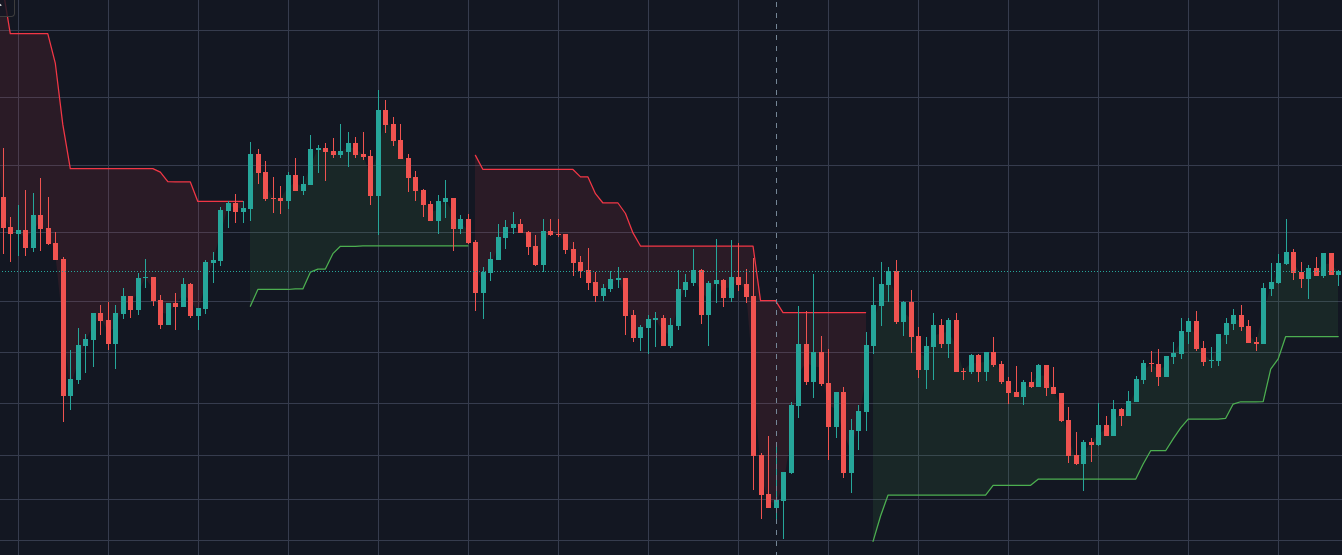
That’s a bug in plotly. The only simple way to get something comparable to your chart is the following approach:
var trace0 = {
x: [1, 2, 2, 4, 4, 5],
y: [3, 5, 0, 0, 8, 10],
type: ‘scatter’,
fill: ‘tonexty’,
mode: ‘lines+markers’,
stackgroup: ‘a’,
connectgaps: false
};
var trace1 = {
x: [1, 2, 2, 4, 4, 5],
y: [0, 2, 0, 0, 5, 7],
type: ‘scatter’,
fill: ‘none’,
mode: ‘lines+markers’,
stackgroup: ‘a’,
connectgaps: false
};
var data = [trace1, trace0];
Plotly.newPlot(‘myDiv’, data);
Another more complex approach is to split the data records where the gaps are. Then the display will be exactly as desired.
var trace0_a = {
x: [1, 2],
y: [3, 5],
type: ‘scatter’,
fill: ‘tonexty’,
mode: ‘lines+markers’,
stackgroup: ‘a’,
line: {color: ‘#1f77b4’},
fillcolor: ‘rgba(255,127,14,0.5)’
};
var trace0_b = {
x: [4, 5],
y: [8, 10],
type: ‘scatter’,
fill: ‘tonexty’,
mode: ‘lines+markers’,
stackgroup: ‘b’,
line: {color: ‘#1f77b4’},
fillcolor: ‘rgba(255,127,14,0.5)’
};
var trace1_a = {
x: [1, 2],
y: [0, 2],
type: ‘scatter’,
fill: ‘none’,
mode: ‘lines+markers’,
stackgroup: ‘a’,
line: {color: ‘#ff7f0e’}
};
var trace1_b = {
x: [4, 5],
y: [5, 7],
type: ‘scatter’,
fill: ‘none’,
mode: ‘lines+markers’,
stackgroup: ‘b’,
line: {color: ‘#ff7f0e’}
};
var data = [trace1_a, trace0_a, trace1_b, trace0_b];
Plotly.newPlot(‘myDiv’, data);