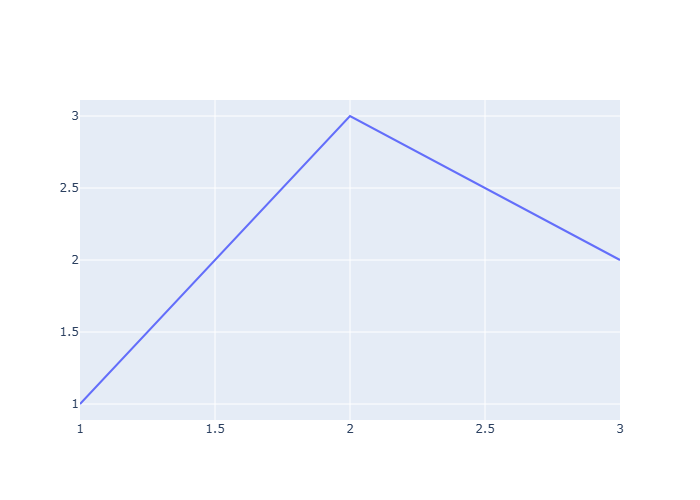
Hello, I posted this here but haven’t gotten any feedback. Quite simply, write_image does not work in plotly 6.3 regardless of kaleido version. The following minimum reproducible example does not work with 1.1.0, 1.0.0, 0.2.1, or 0.1.1. I tried orca unsuccessfully as well.
import plotly.graph_objects as go
fig = go.Figure(data=[go.Scatter(y=[1, 3, 2])])
fig.write_image("figure.png")
Please let me know if I’m doing something dumb and if there is any way to save to an image in Plotly 6.3!
Empet, thanks for your reply. As I mentioned I tried with several versions, including the latest. See the link to my other post for the resulting error.
@iiwolf After installing Plotly 6.3, I experienced the same issue, with lines of code as yours. As far as I remember, the error shown was related to plotly.io. I upgraded kaleido and with the initial code:
```
import plotly.graph_objects as go
fig = go.Figure(go.Scatter(x=[1,2,3], y=[1, 3, 2],
                mode=“lines”),
                go.Layout(width=400, height=350))
fig.write_image(“figure.png”)