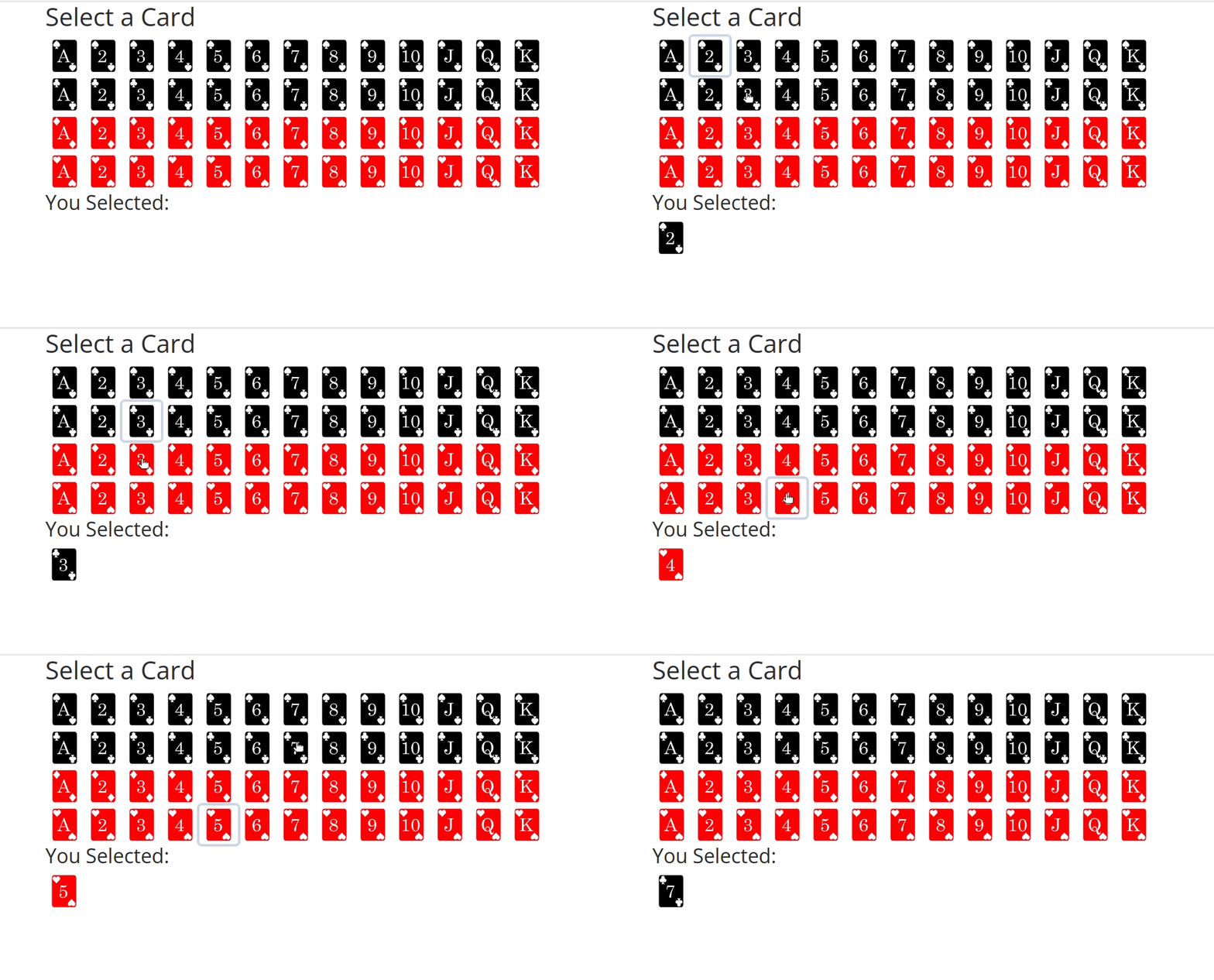
You can make divs, which have the ability to have “n_clicks” attached, which can trigger an event.
How you use it is up to you. It is more tricky to implement because you would have to feedback which one is active and which one isnt, unless you dont have multiple options.
Keep in mind, an output (id, prop) can only be used once. That was why I suggested the dropdown.
If these dont work, you can also look into event listeners via dash-extensions.
If you go the div route, I’d recommend passing them a className for your cards. Something so that you can style your css sheet with them.
Something like this:
html.Div([html.Div(i, id=i, n_clicks=0, className='myCustomCard') for i in cards], id='myCardHolder')
Then in your css file:
.myCustomCard {
     display: inline-block; /* if you want them to be together (could use flex as well) */
     border-radius: 5px; /* rounded edges */
     border: 2pt solid black;
     box-shadow: 2px 2px 10px silver; /* gives a nice diffusion */
     cursor: pointer;
}

.myCustomCard:hover {
     filter: brightness(1.05) /* gives it a hover effect if you have a background color you want to use */
}


/* active inversion */
.myCustomCard.active {
    background: black;
    color: white;
}
Edited to make the css file classes instead of tags.
I used dbc.Cards so you could give the cards the ID instead of the buttons if needed. Or you could change the dbc.Cards to something different. Maybe that’s not what you were after, in the end I still do not fully understand your question