Hi, my project involves a dcc.RangeSlider that represents a date range. By default, the user can interact with it by dragging the handles on either end, or by clicking anywhere on the rail.
Alternatively, is there a way allow the user to “move” the selected range by dragging the middle of the slider?
For example, in the following slider, I’d like to drag the middle (anywhere on the blue line between 5 and 15), such that length of the range remains constant at 10. The handles should be used only to change the length of the range.

If it is not possible to do this natively with Dash, does anybody know of any workaround or third-party components I can integrate into my Dash app?
Thanks.
Hi and welcome to the dash community 
You can try using the dash mantine components RangeSlider and set both the minRange and maxRange properties
Here’s an example of the dmc.RangeSlider
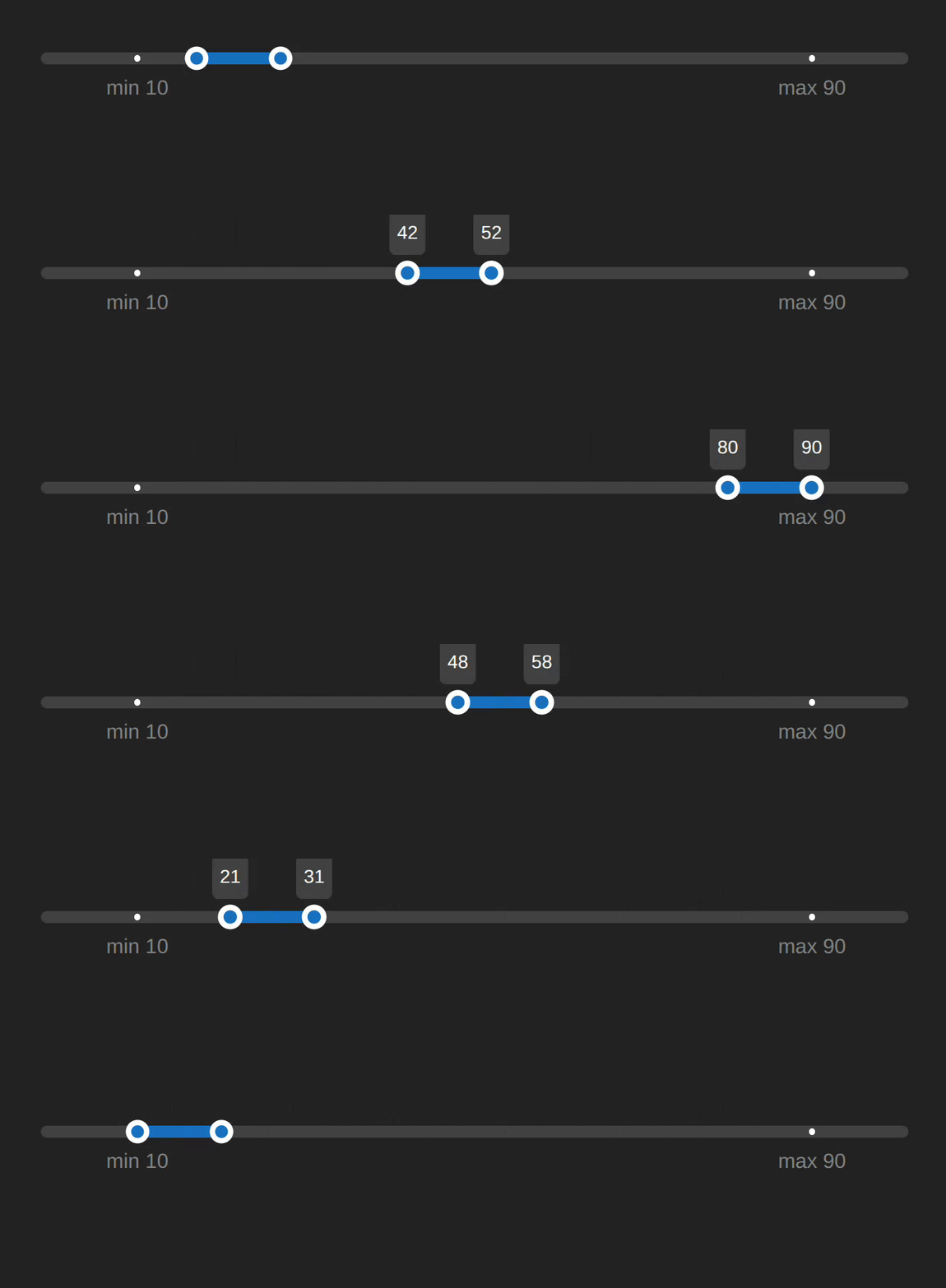
import dash_mantine_components as dmc
from dash import Dash

app = Dash()


component = dmc.RangeSlider(
      domain=[0, 100],
      min=10,
      max=90,
      value=[25,35],
      minRange=10,
      maxRange=10,
      marks=[
        { "value": 10, "label": 'min 10' },
        { "value": 90, "label": 'max 90' },
      ],
      m="xl"
)


app.layout = dmc.MantineProvider(
    component
)

if __name__ == "__main__":
    app.run(debug=True)
3 Likes
Thanks for the reply - I think the mantine RangeSlider solves one of my issues but not the other. By setting minRange and maxRange, that indeed allows the user to drag in between the handles. However, now the user has no way of using the handles to resize the width of the width.
Ideally, I’m looking for a slider like this: Time series and date axes in Python
The reason I’m not using this one^ is because my visualization is kind of complicated - it’s a Scattergeo overlaid on top of a Chloropleth, i.e.
fig = go.Figure(go.Chloropleth(...))
fig.add_trace(go.Scattergeo(...))
In particular, fig should update every time the range is updated.
That times series range slider is nice. You might be able to use a figure as a range slider, then listen to the relayoutData in a callback to get the xaxis.range
Another workaround for the dmc.RangeSlider is to use NumberInputs for the user to set the range then update the slider minRange and maxRange and value in a callback. It’s a little awkward though.