I’ve been using Dash for something a little outside the usual analytics dashboard: a custom studio control app that lets me switch between multiple cameras/viewports, share my screen for presentations, and control the physical lighting in my office — all from one Dash interface.
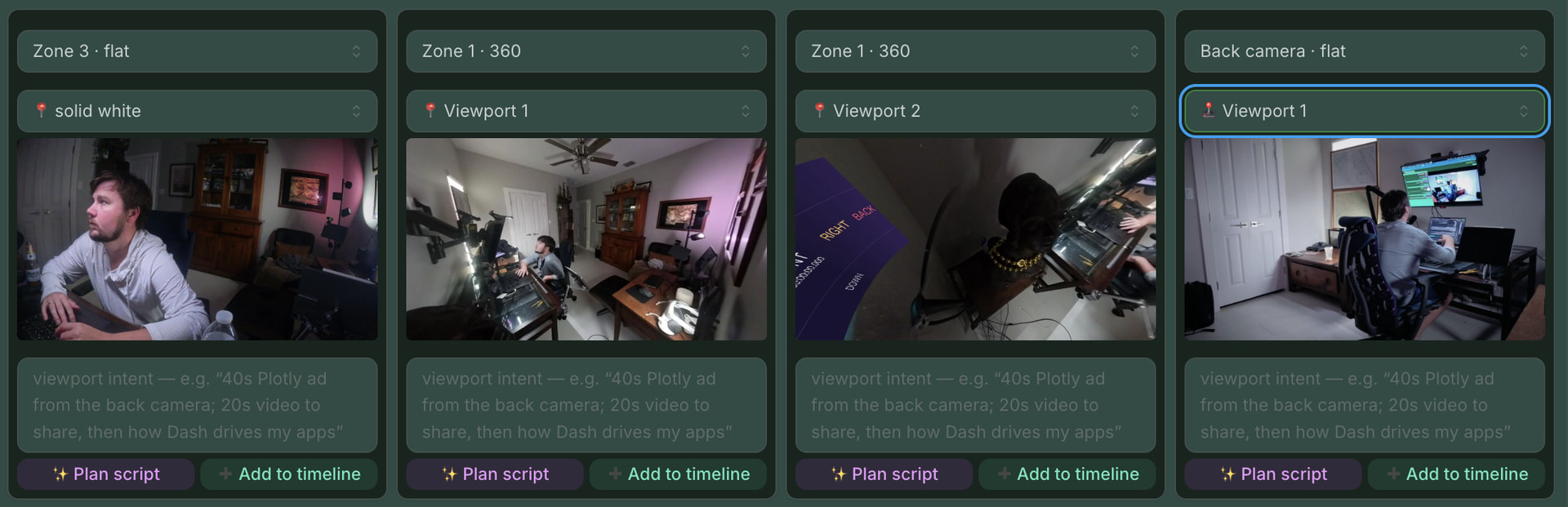
One detail that turned out to be surprisingly useful: on viewport creation I automatically capture a screenshot of that zone. Those screenshots become inputs I can hand to an agent to auto-direct scenes and drive a per-zone lighting profile, so when I switch viewports the lights (color + brightness) change to match. It made the whole thing feel like a real director rather than a set of manual toggles.
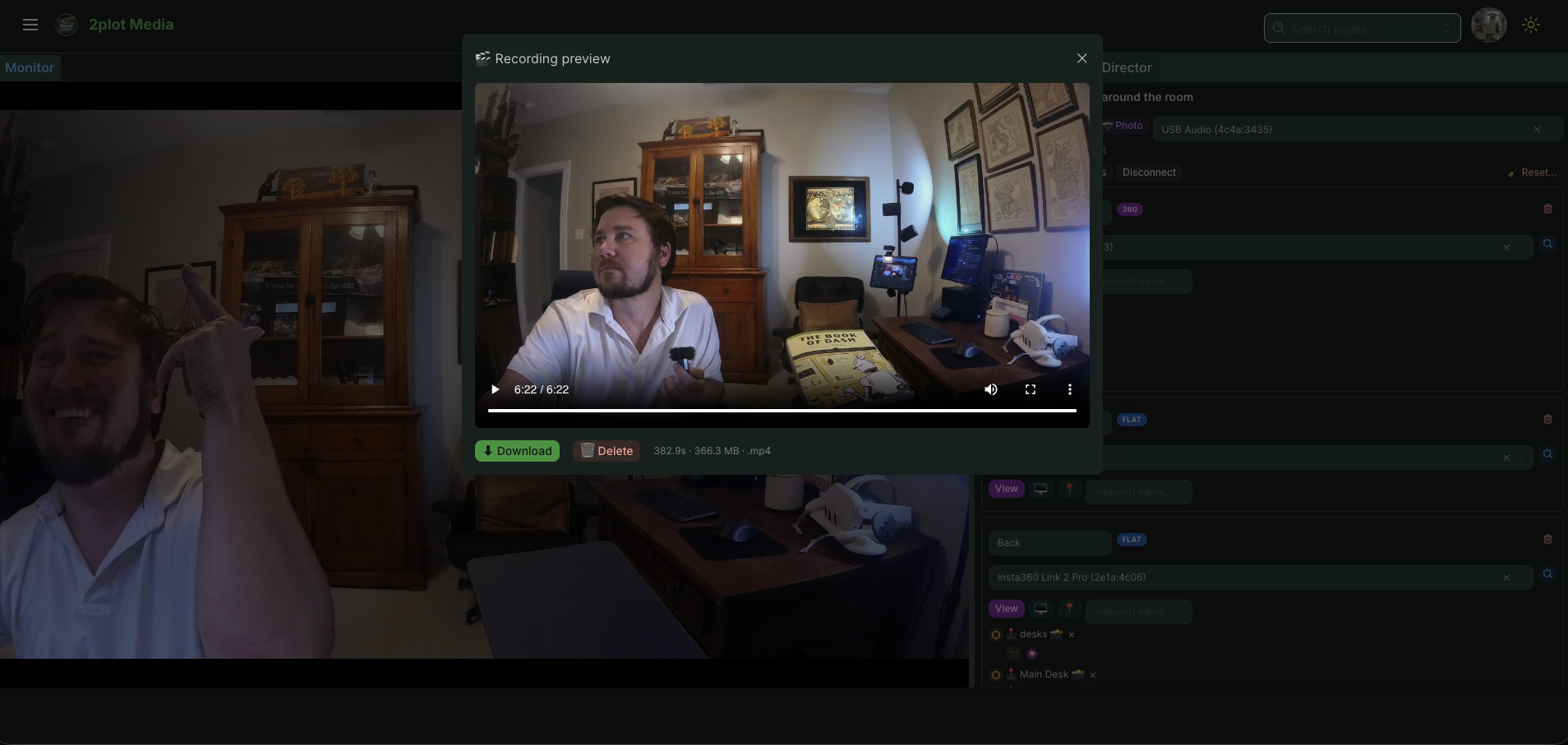
Dash held up really well as the host layer for this OBS-type system — layout, live state, and device control all in Python. Happy to talk through the zones/viewport data model if anyone’s curious.
Video walkthrough:
More of my components/resources:
and