# How to Create Custom Plotly Dash Components Using JavaScript & React | Step-by-Step Tutorial 🚀
**URL:** https://community.plotly.com/t/how-to-create-custom-plotly-dash-components-using-javascript-react-step-by-step-tutorial/88269
**Category:** Dash Python
**Tags:** show-and-tell, community-components, tips-and-tricks
**Created:** [October 27, 2024, 3:31pm UTC](https://community.plotly.com/t/how-to-create-custom-plotly-dash-components-using-javascript-react-step-by-step-tutorial/88269 "2024-10-27T15:31:06Z")
**Posts on this page:** 2
**Page:** 1
### Author:  [@PipInstallPython](https://community.plotly.com/u/PipInstallPython)
#### Post date: [October 27, 2024, 3:31pm UTC](https://community.plotly.com/t/how-to-create-custom-plotly-dash-components-using-javascript-react-step-by-step-tutorial/88269/1 "2024-10-27T15:31:07Z")
[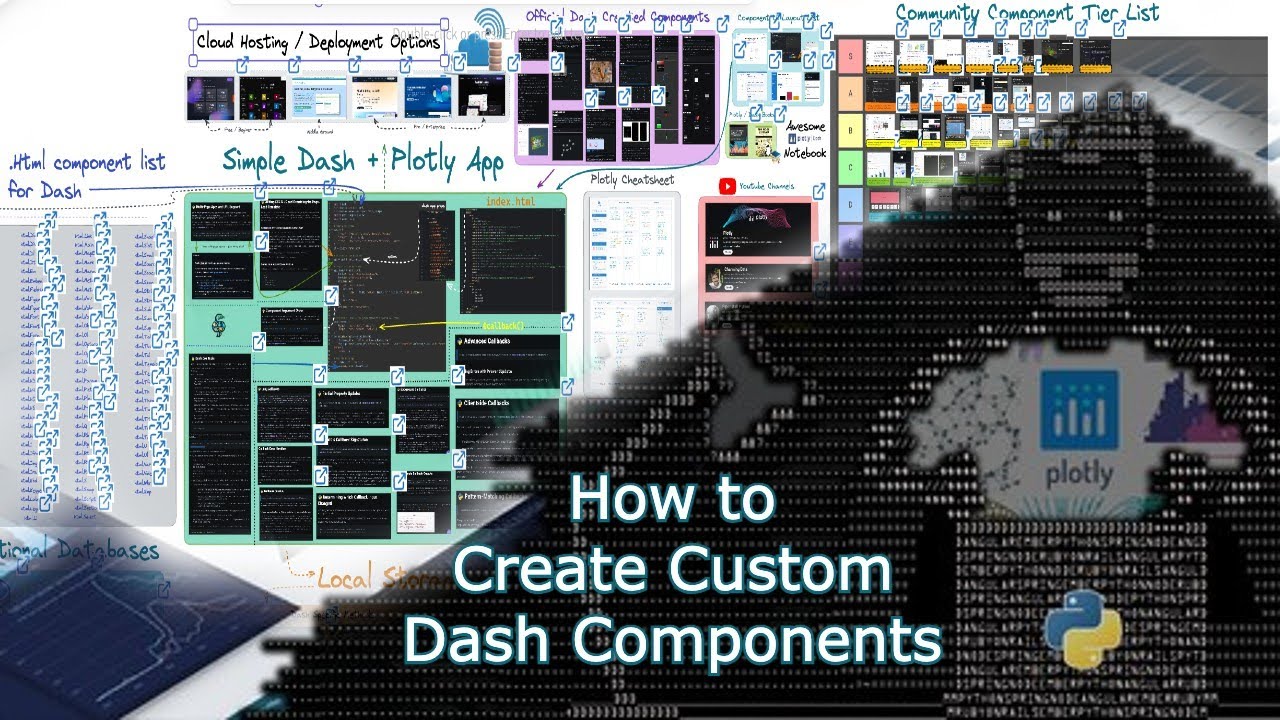 ](https://www.youtube.com/watch?v=qh4Lg1X_k1A)
👋 Hey Everyone,
Rolling out a few updates with some of the work I’ve been progressing towards a finishing point. Over a year I’ve released ~15 unique components.
- [](https://pip-install-python.com/pip/dash_swiper) `Dash Swiper` - A Swiper Component for Dash
- [](https://pip-install-python.com/pip/dash_summernote) `Dash Summernote` - A rich text WYSIWYG Editor for Dash
- [](https://pip-install-python.com/pip/dash_insta_stories) `Dash Insta Stories` - A Instagram Stories Component for Dash
- [](https://pip-install-python.com/pip/dash_image_gallery) `Dash Image Gallery` - A Image Gallery Component for Dash
- [](https://pip-install-python.com/pip/full_calendar_component) ` Full-Calendar-Component` - A Full Calendar Component for Dash
- [](https://pip-install-python.com/pip/dash_emoji_mart) ` Dash Emoji Mart` - A Slack-like Emoji Picker for Dash
- [](https://pip-install-python.com/pip/dash_dynamic_grid_layout) `Dash Dynamic Grid Layout` - A Dynamic Grid Layout Component for Dash
- [](https://pip-install-python.com/pip/dash_discord) `Dash Discord` - Discord integration for the Dash framework
- [](https://pip-install-python.com/pip/dash_pannellum) `Dash Pannellum` - 360 Panorama Viewer for Images and Video for Dash
- [](https://pip-install-python.com/pip/dash_nivo) `Dash Nivo` - A Nivo Component for Dash
- [](https://pip-install-python.com/pip/dash_excalidraw) `Dash Excalidraw` - A Freeform Drawing and Notebook Component for Dash
- [](https://pip-install-python.com/pip/dash_charty) `Dash Charty` - A Charting Library for Dash
- [](https://pip-install-python.com/pip/dash_credit_cards) `Dash Credit Cards` - A Credit Card Component for Dash
With this I wanted to share with those interested on some of the tips and tricks I wish I had when embarking on this journey, to hopefully help more developers create amazing packages for this Plotly community. So I created this video tutorial ~ 50min long to showcase how to build a component from scratch. While explaining the overall archeticture involved in the process.

With this I’m happy to announce a new component to the dash library `pip install dash-excalidraw` - Notebook, Freeform, Drawing type of component.
Features The Excalidraw editor (pip dash package) supports:
- 💯 Free & open-source.
- 🎨 Infinite, canvas-based whiteboard.
- ✍ Hand-drawn like style.
- 🌓 Dark mode.
- 🏗 Customizable.
- 📷 Image support.
- 😀 Shape libraries support.
- 👅 Localization (i18n) support.
- 🖼 Export to PNG, SVG & clipboard.
- 💾 Open format - export drawings as an .excalidraw json file.
- ⚒ Wide range of tools - rectangle, circle, diamond, arrow, line, free-draw, eraser…
- ➡ Arrow-binding & labeled arrows.
- 🔙 Undo / Redo.
- 🔍 Zoom and panning support.
- 🚀 +Many more…
Find my documentation on this new dash component here or built it alongside the video tutorial:
> **[Dash Pip Components | Dash Excalidraw](https://pip-install-python.com/pip/dash_excalidraw)**
>
> Notebook, Freeform, Drawing type of component.
Outside of this new component I’ve also created a new addition to the `dash-swiper` component library with the new carousel

This new component can be used to create a nice carousel, with features like auto rotate, or navigation, number of slides pagination and so much more. Learn more about this new component here:
> **[Dash Pip Components | Swiper](https://pip-install-python.com/pip/dash_swiper#dash-carousel)**
>
> Fancy swipe transitions for images.
Lastly I’ve made some other overall improvements to the documentation, fixing some of the bugs I’ve found. Please reach out if you notice anything not working as intended.
Outside of the new components and documentation, I’ve been working on a full stack application that has had some substantial improvements to its UI moving from dmc 0.13 → 0.14.6 🤩
> **[Map](https://dash.geomapindex.com/)**
>
> Explore and analyze geographical data & test new software I've been building.
- Improved navigation
- Added alerts for acctions
- have base username / password authentication working (not fully released yet)
- added a new message system to reach out directly with me
- new Freeform page, based on the `dash-excalidraw`
- improvements to the geoguesser game
-
- much more 🙂
With this I’m going to be focusing more time in development of my Dash and Dajgno application and spend less time building new components for Plotly and Dash while maintaining the list of current releases I’ve created. Hope you all enjoy the video I made and contribute to what is an amazing framework.
Follow me on Github and give some love and ⭐ your favorite repository I’ve built & like or subscribe to my Youtube channel to support my work.
> **[pip-install-python - Overview](https://github.com/pip-install-python)**
>
> Shaking hands, sailing storms, and building some software. - pip-install-python
Cheers & gl on your coding journey,
Pip
---
### Author:  [@PipInstallPython](https://community.plotly.com/u/PipInstallPython)
#### Post date: [January 25, 2025, 5:34pm UTC](https://community.plotly.com/t/how-to-create-custom-plotly-dash-components-using-javascript-react-step-by-step-tutorial/88269/3 "2025-01-25T17:34:03Z")
Thanks for the kind words. It would be a bit more difficult to make templates for Dash. You’d need to port over the whole ui library you want to use with the dash-component-boilerplate and any individual packages like the components I’ve built. Then you’d need to build the whole template in just dash.
also worth mentioning dash is going to change soon with new requirements for custom components so it might be worth waiting till that rolls out so that you don’t build you the template and need to re-build it to fit the newer dash versions. Changes are mainly with the props of components from my limited understanding.